Wat is nieuw

Blijf op de hoogte van de nieuwste releases, verbeteringen en oplossingen.

Volg @NotionHQ
3.2

Notion 3.2: AI voor mobiel, nieuwe modellen, personenlijst

De eerste updates voor 2026 zijn er! Met deze release past Notion nog beter bij jou. Werk onderweg, kies uit AI-modellen en volg de dingen die voor jouw team het belangrijkst zijn.

AI-notities voor mobiel

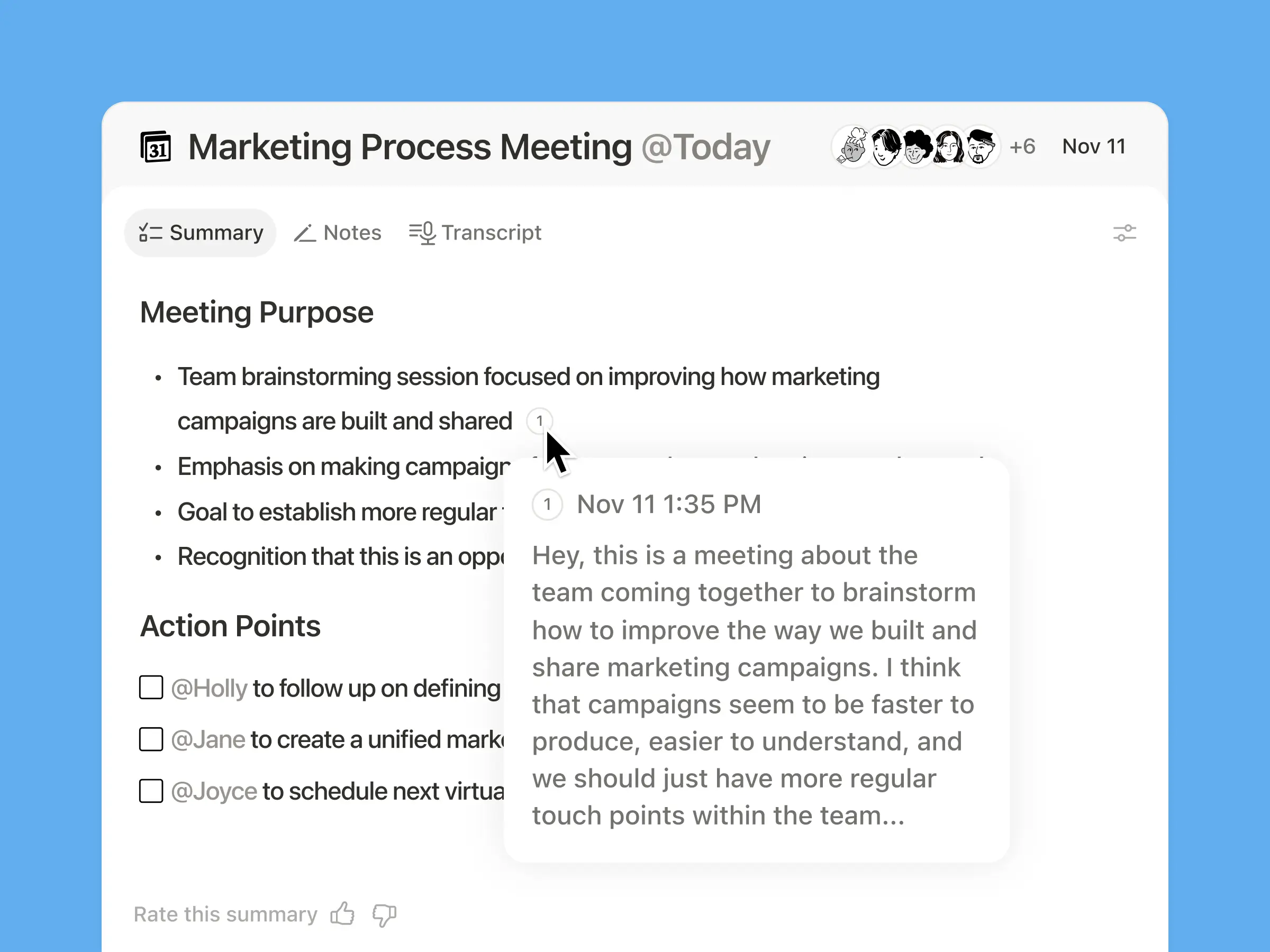
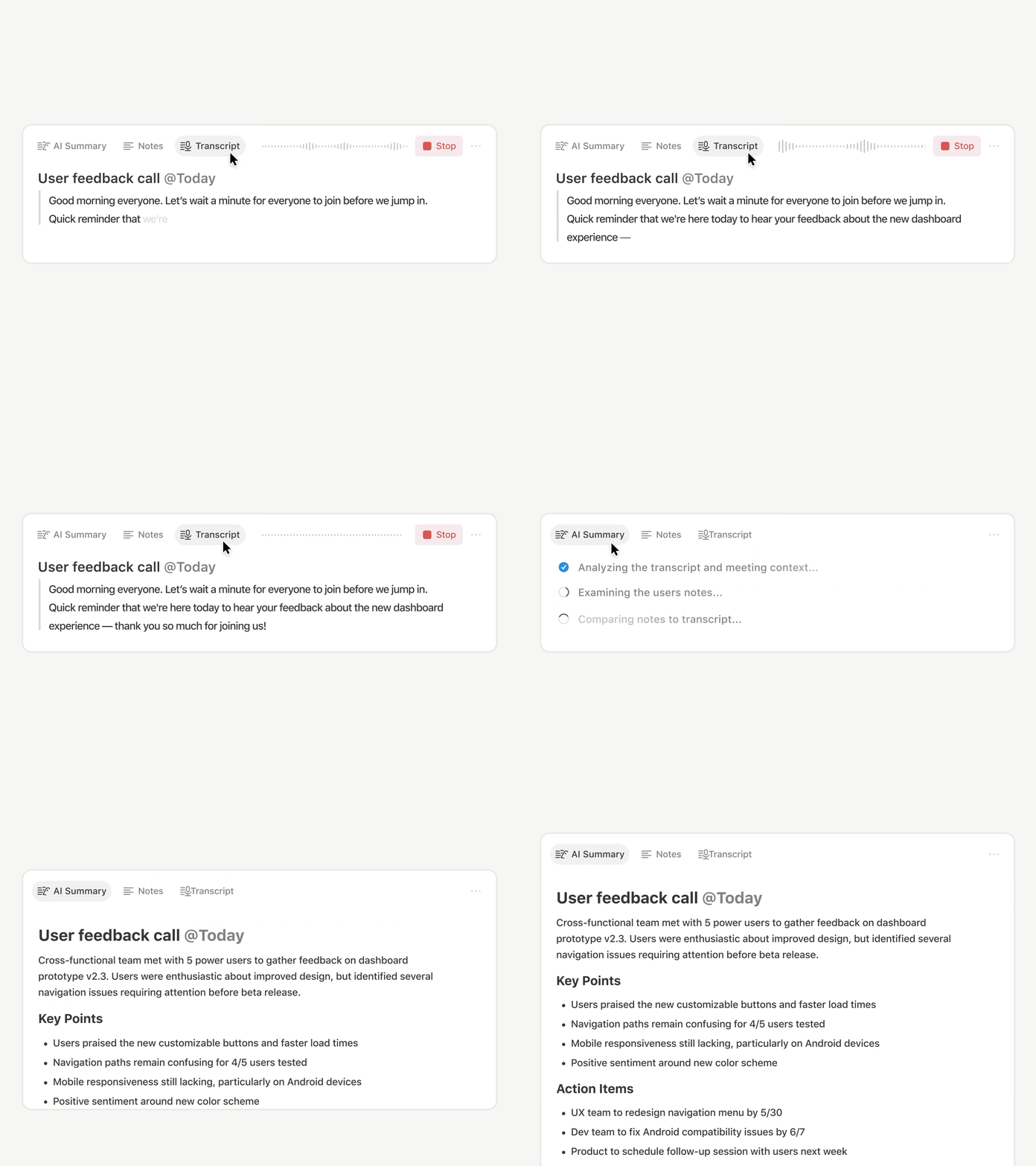
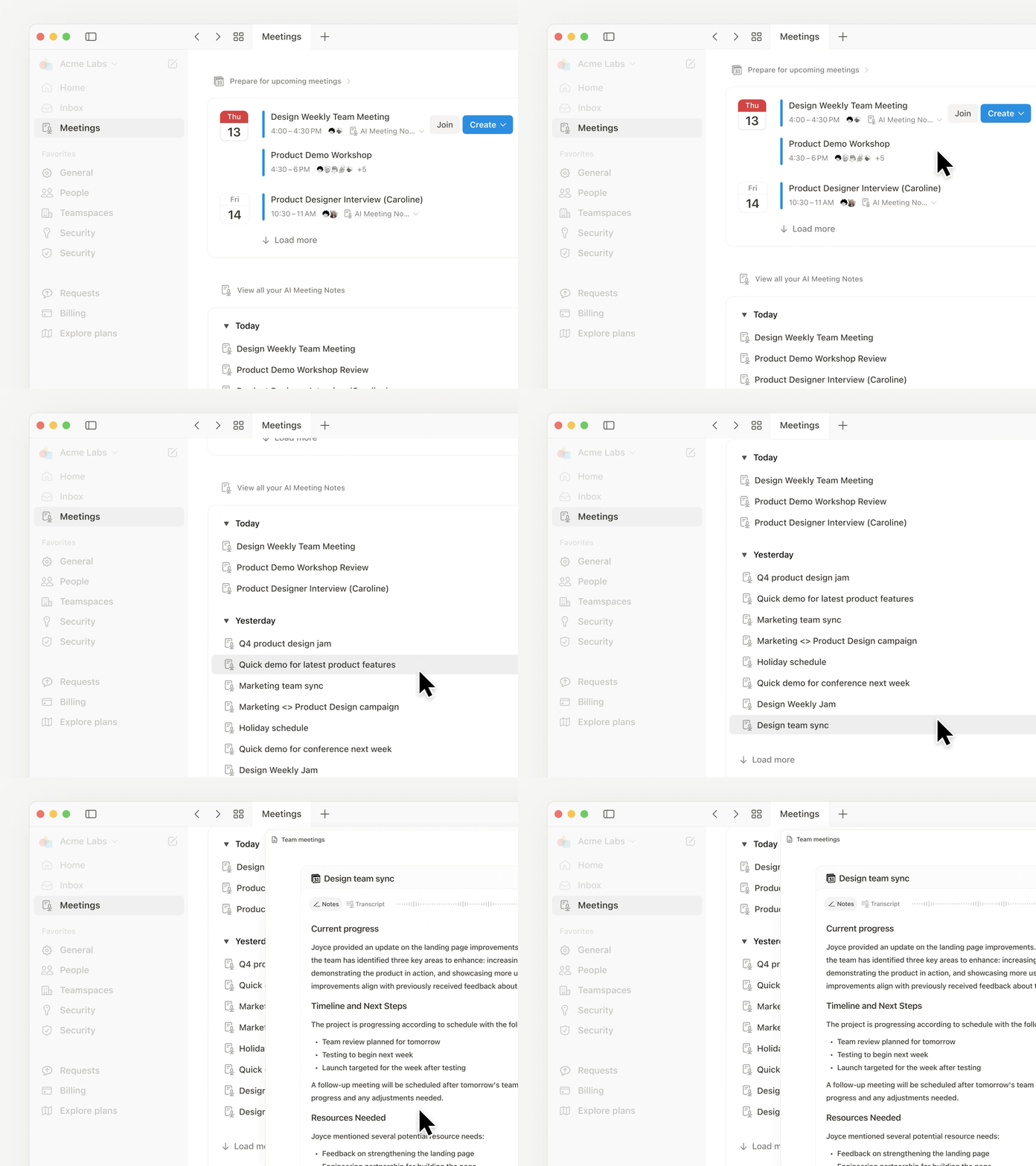
Alles werkt op mobiel zoals je gewend bent, of je nu tijdens het reizen deelneemt aan een gesprek, brainstormt tijdens je ochtendwandeling of een meeting houdt zonder laptops. Met één tik kun je de AI transcripties laten maken (zelfs als je naar een andere app schakelt of je scherm vergrendelt) en alles binnen een paar tellen overzichtelijk maken in duidelijke samenvattingen, actie-items en deelbare documenten.

Jouw agent past in je broekzak
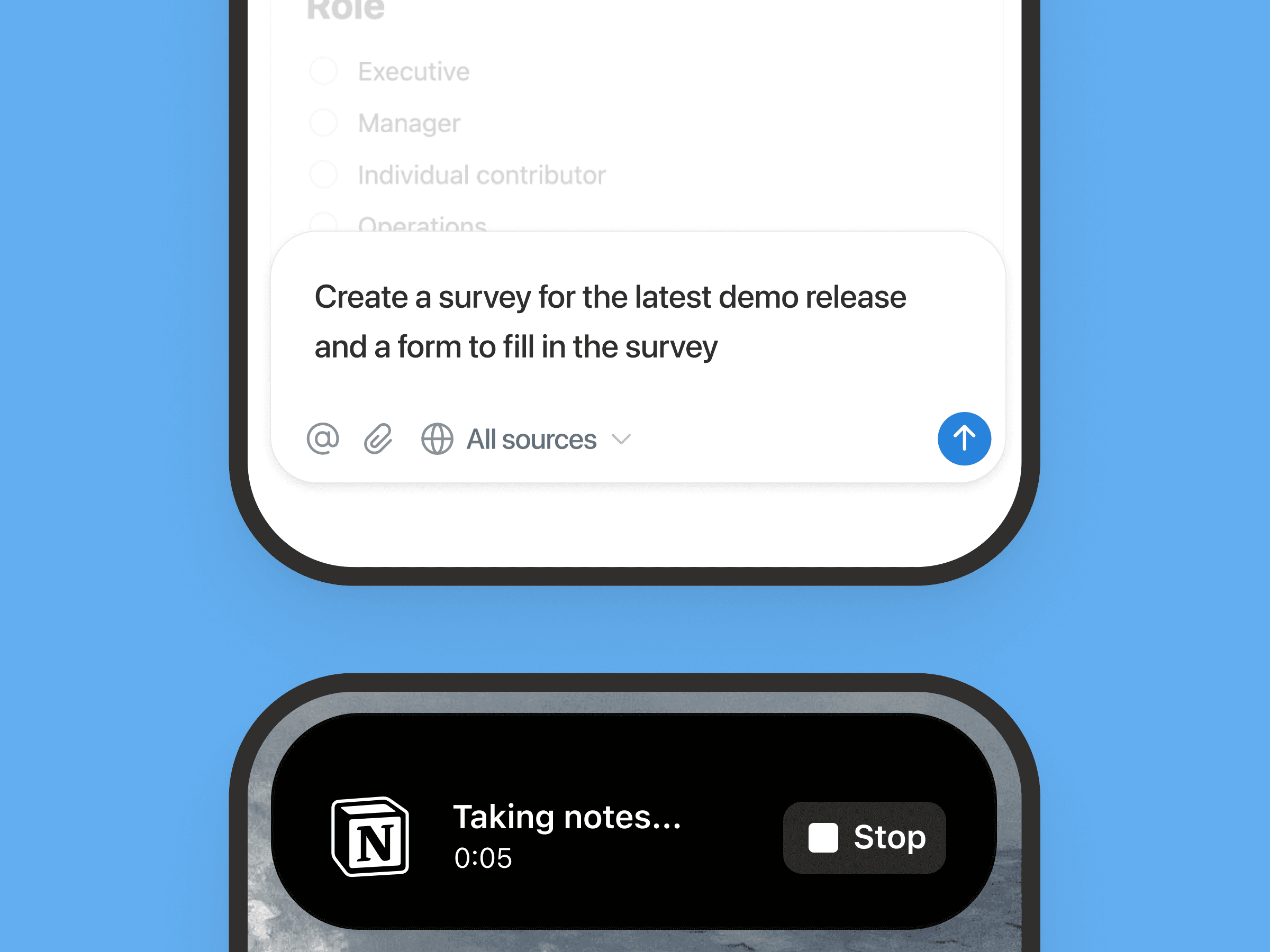
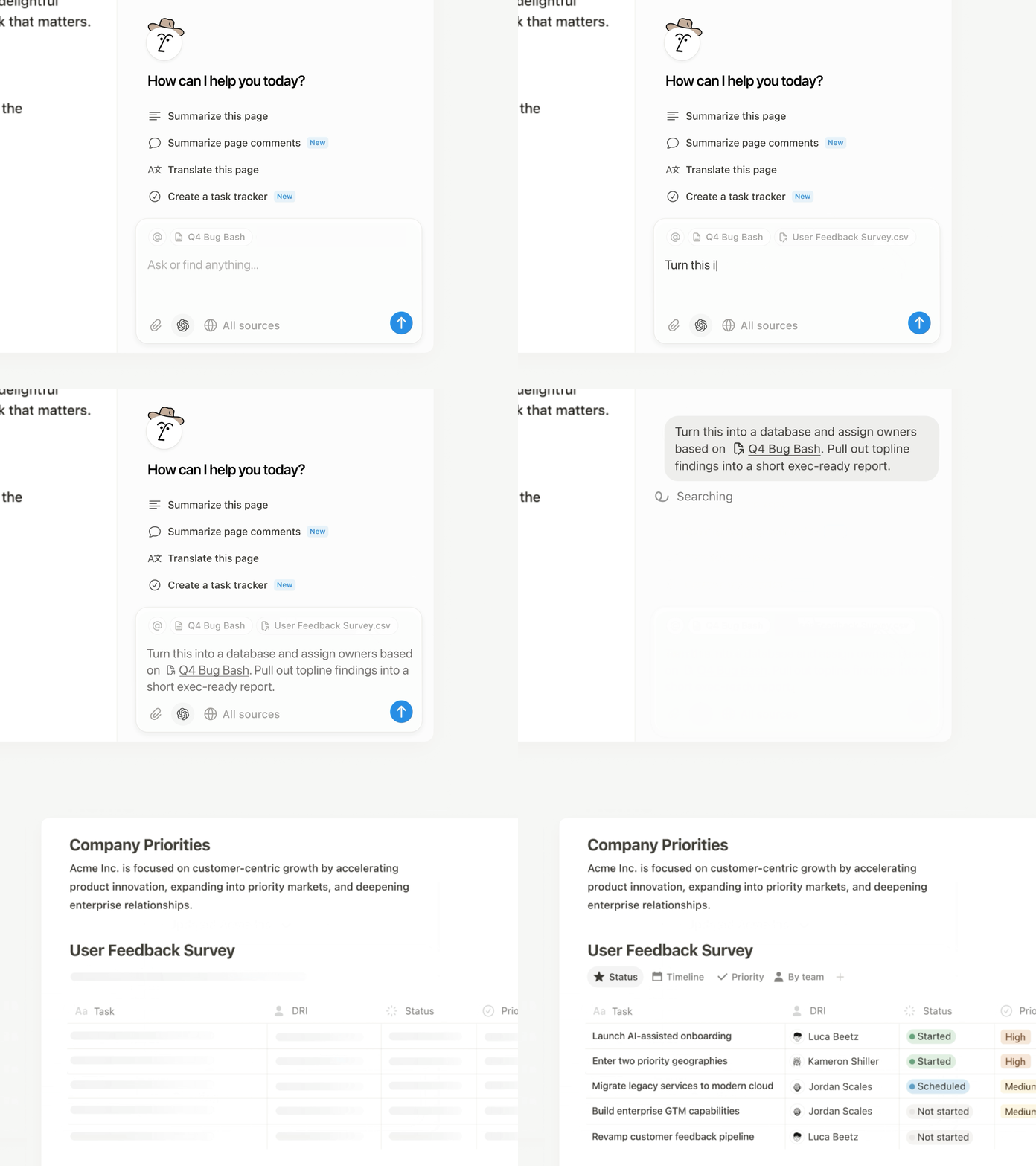
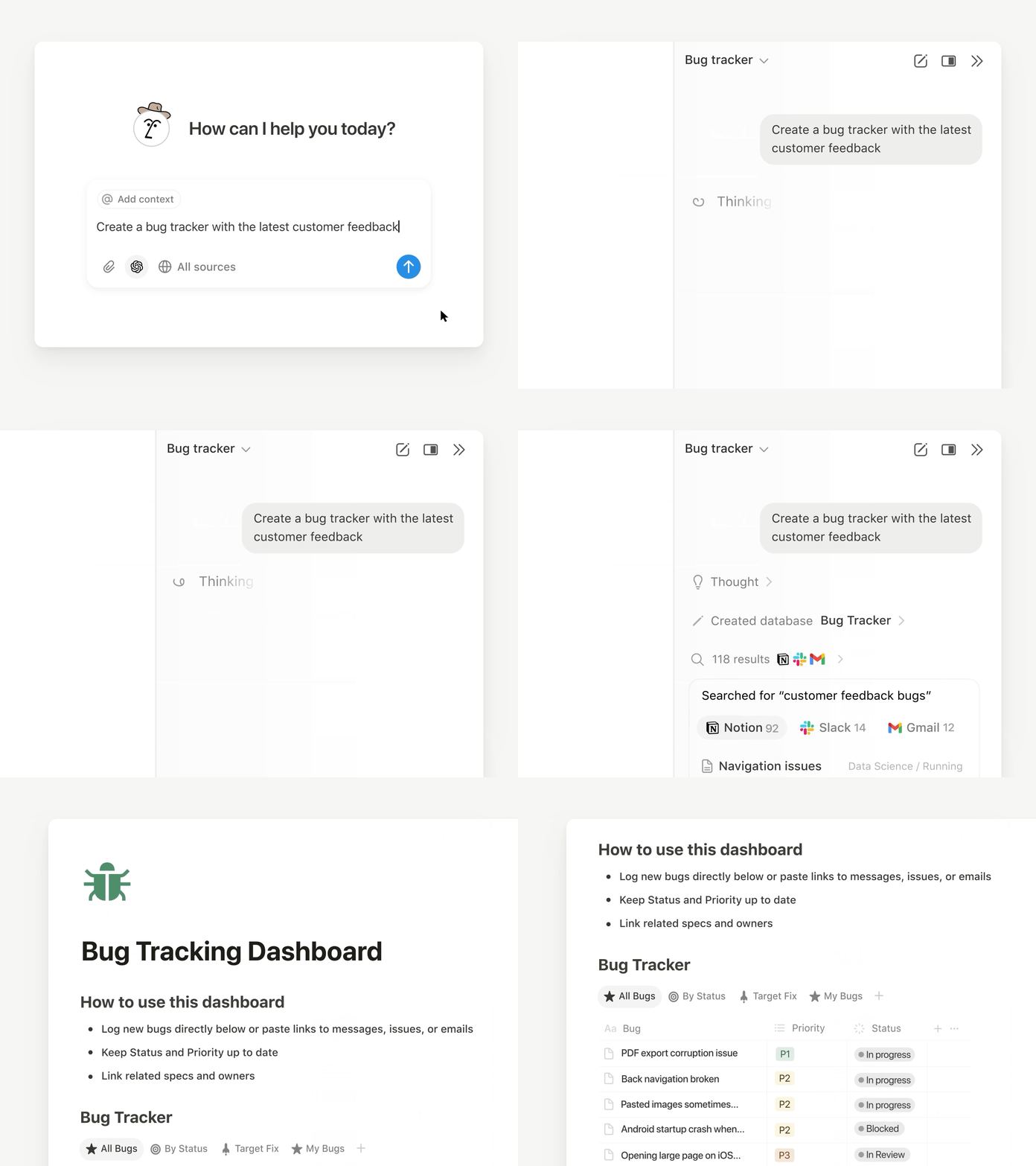
Alles wat je Notion-agent op je desktop kan doen, kan nu ook op je telefoon. Maak formulieren, bouw databases of zoek door de gegevens van je bedrijf. Kies een van de items op je to-do-lijst, geef het door aan je agent en ga door met je volgende taak terwijl je agent in de achtergrond werkt. Wachten hoeft niet meer. Bekijk de live demo en zie wat de Notion-agent allemaal kan.

Nieuwe modellen, hetzelfde geheugen
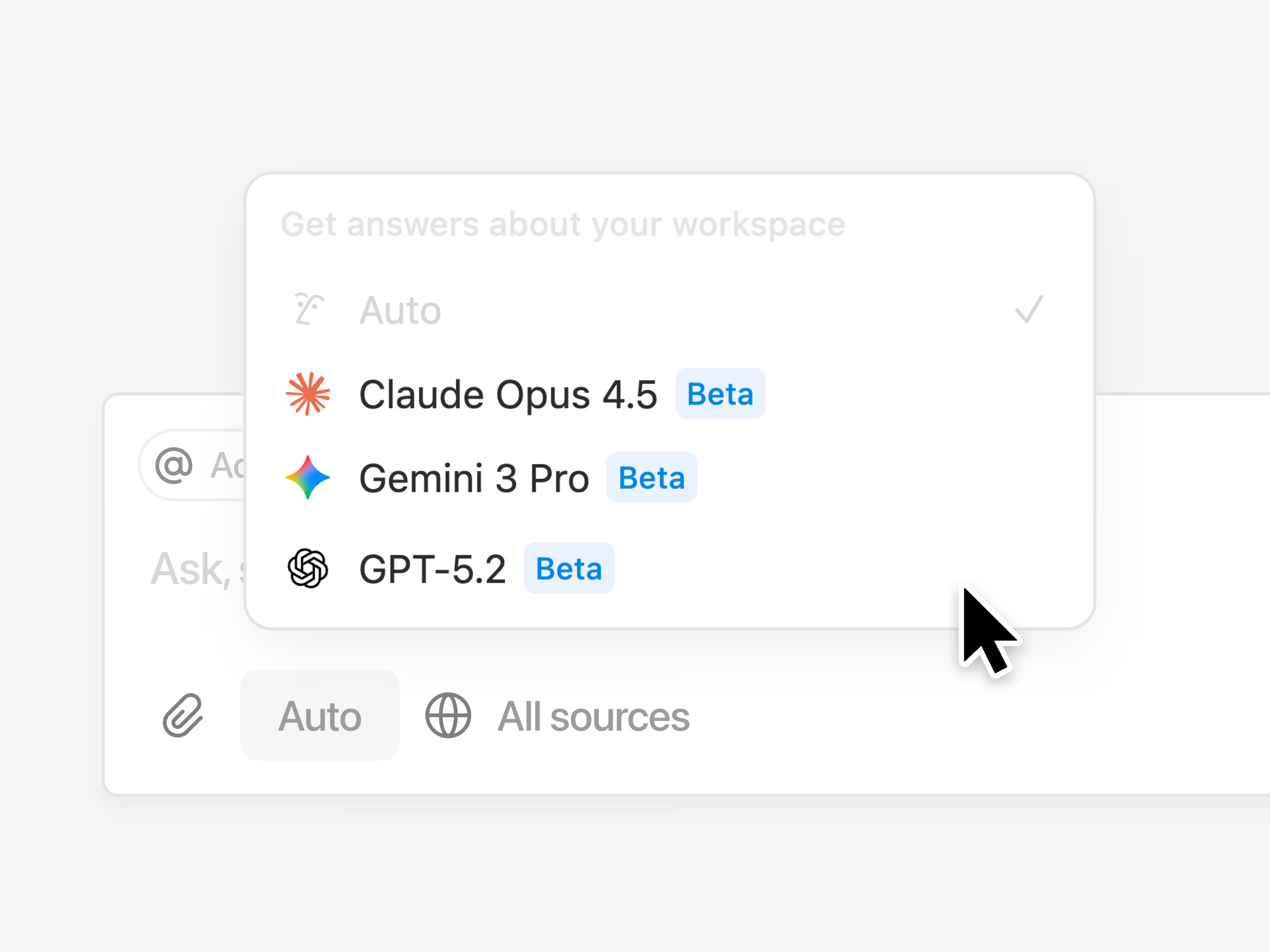
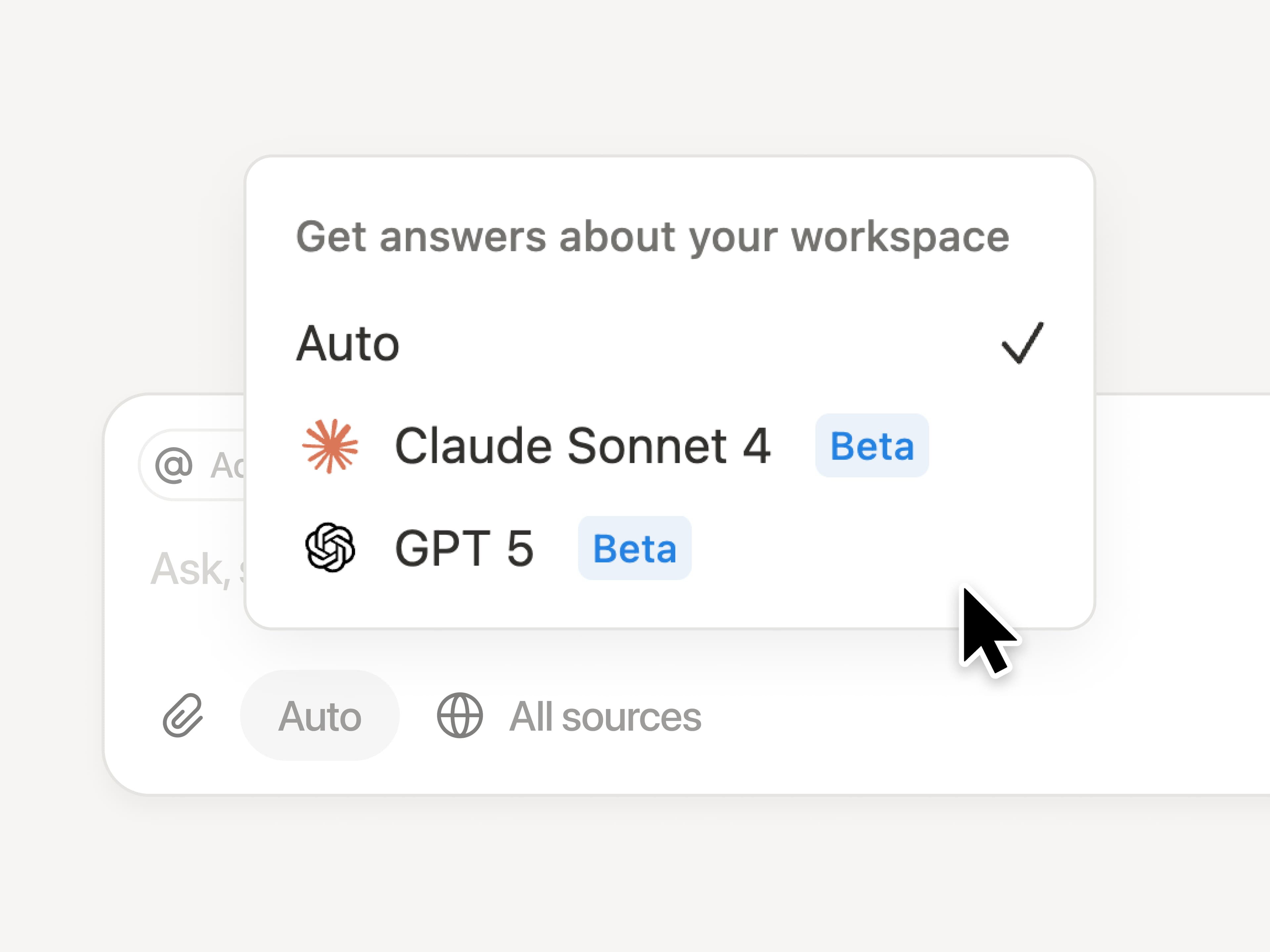
De nieuwste modellen staan voor je klaar in Notion. Je kunt nu kiezen uit GPT-5.2, Claude Opus 4.5 en Gemini 3. Of gebruik Auto om Notion het beste model te laten bepalen. Je kunt makkelijk tussen modellen schakelen zonder context te verliezen. De modellen worden steeds vernieuwd, maar je geheugen in Notion verandert niet.

Krijg inzicht in hoe je team Notion AI gebruikt
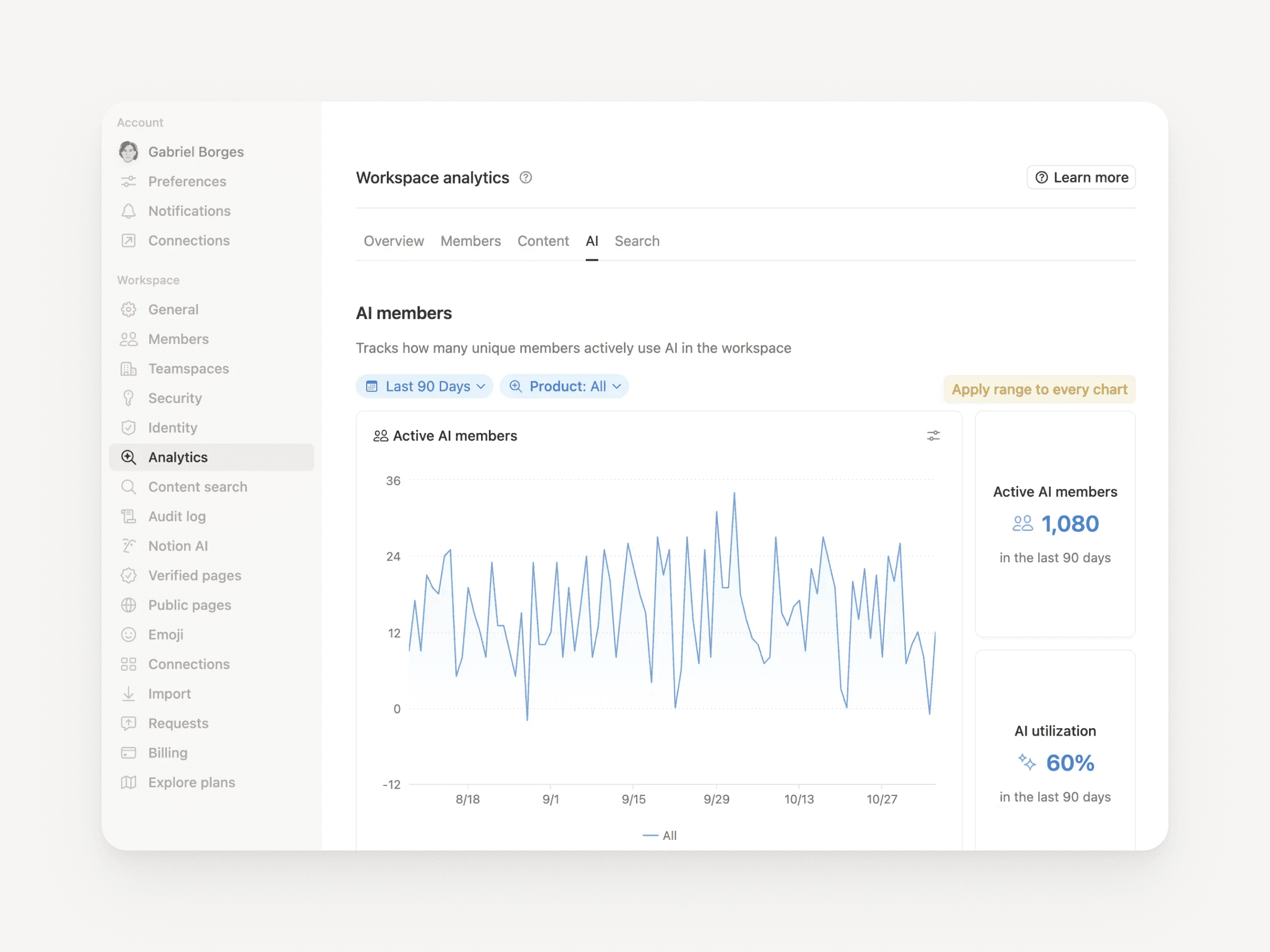
Enterprise-beheerders krijgen nu duidelijk zicht op AI-gebruik in de loop van tijd. Ontdek wie het meeste AI gebruikt, welke functies het populairst zijn en waar de AI het meeste waarde levert. Ga hiervoor naar InstellingenAnalysesAI. En binnenkort zijn er nog meer inzichten beschikbaar.

Personenlijst
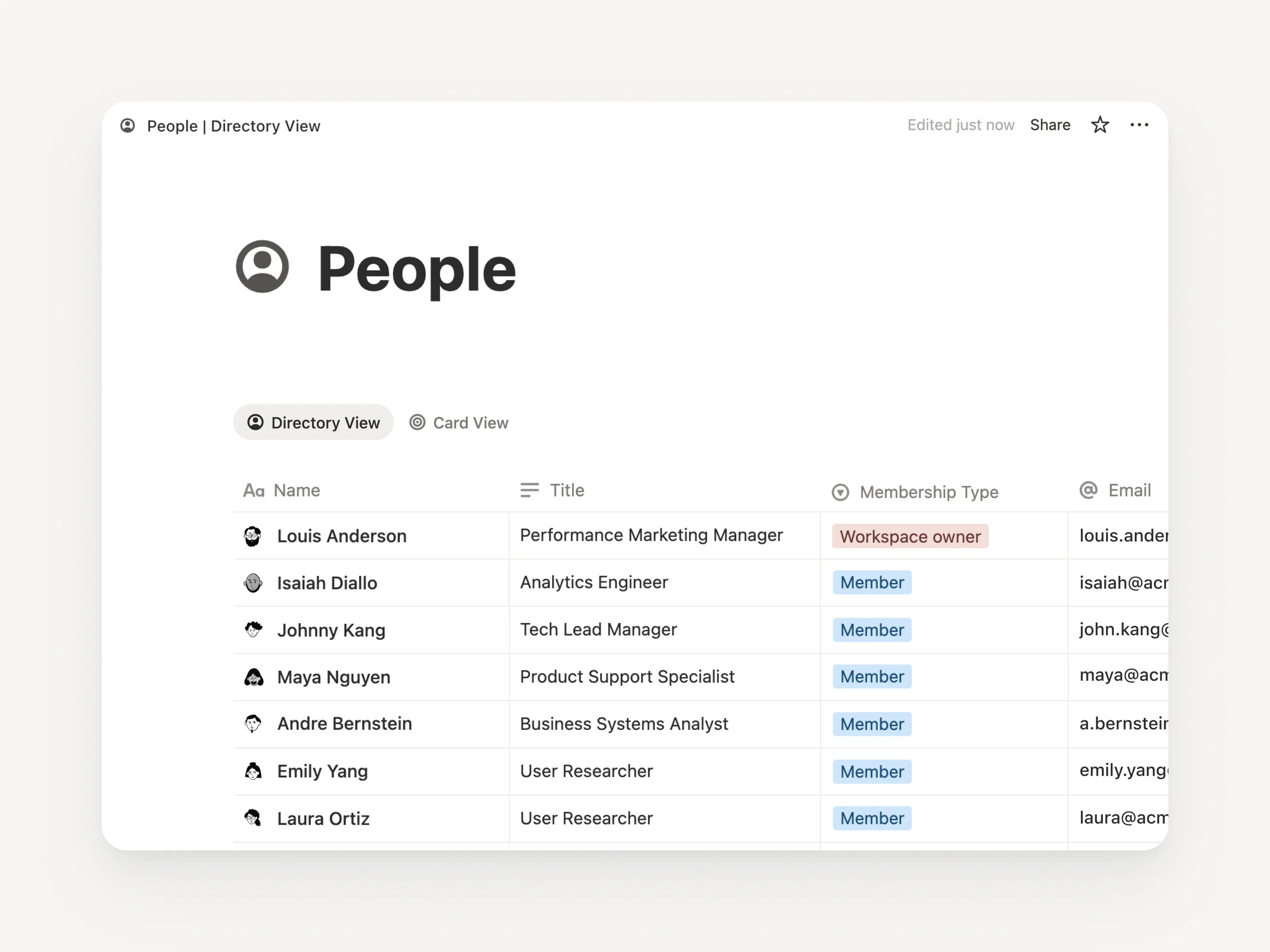
De nieuwe personenlijst laat iedereen in je workspace zien. De lijst is een vooraf gemaakte database die je kunt aanpassen of importeren vanuit HR-systemen (meer informatie). Bekijk de lijst door te zoeken op ‘Personen’ of ga naar InstellingenLedenPersonenlijst bekijken (rechtsboven).

Doe meer met Notion en Jira
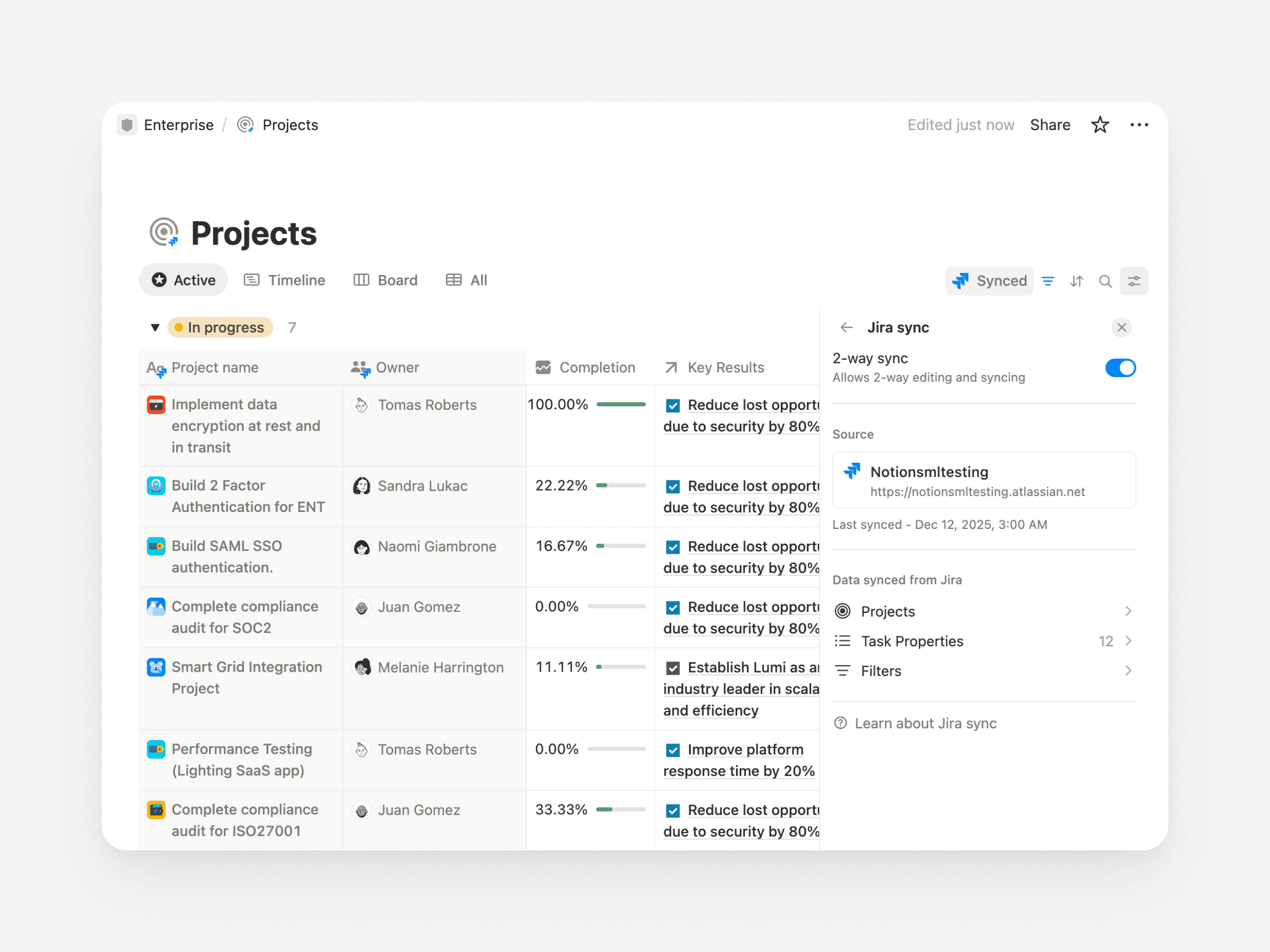
De verbeterde Jira-integratie is perfect voor teams waarbij de engineers in Jira werken, maar alle andere teamleden plannen maken in Notion. Synchroniseer de resultaten van development in Jira met Notion en voeg je eigen Notion-eigenschappen toe, zoals driemaandelijkse doelen, feedback van klanten of de impact op de omzet. Maak dashboards die alles combineren zodat je het overzicht behoudt. Met Enterprise kun je belangrijke velden in Jira direct vanuit Notion bewerken en worden wijzigingen automatisch gesynchroniseerd.

Meerdere accounts in Notion Mail
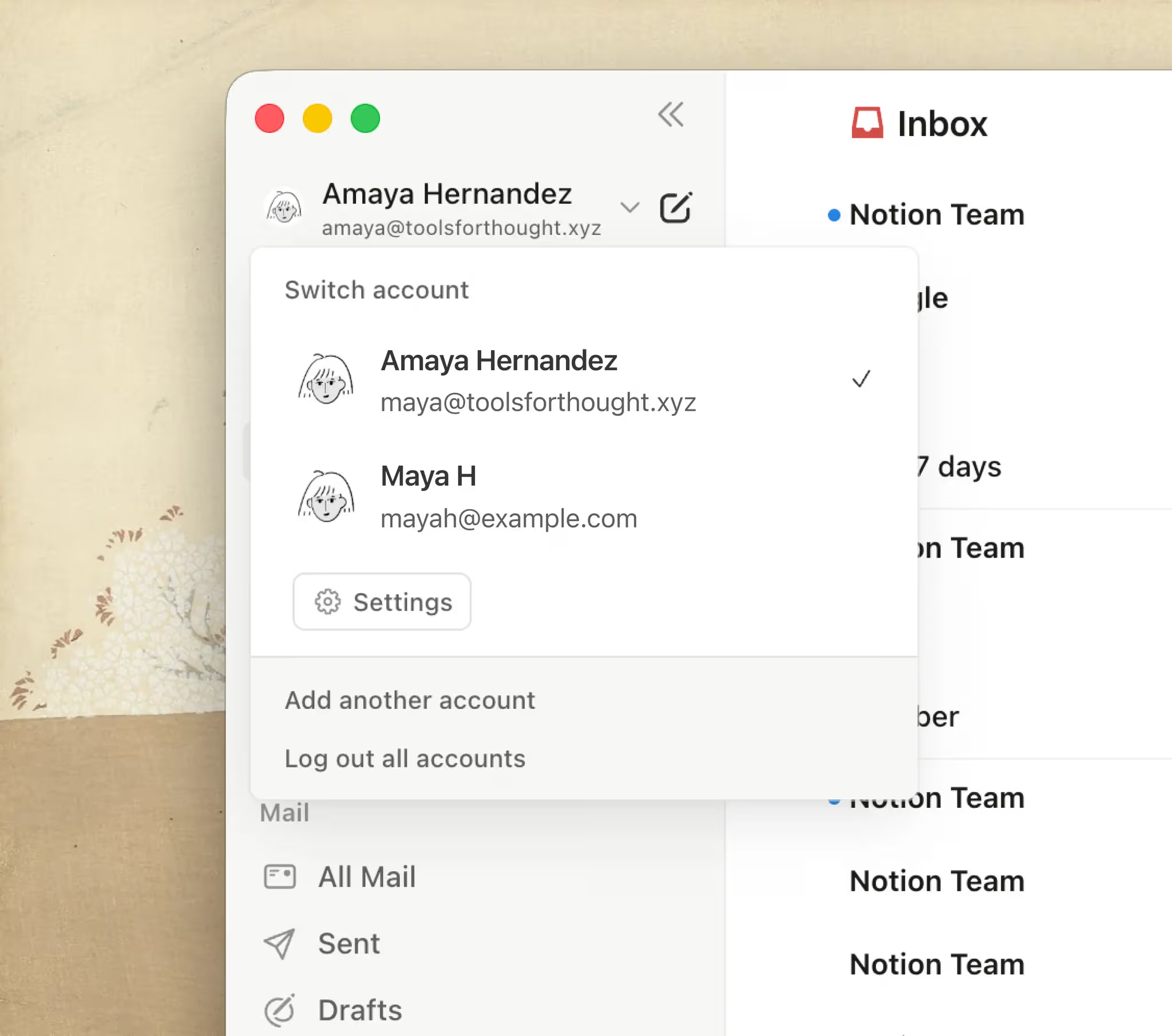
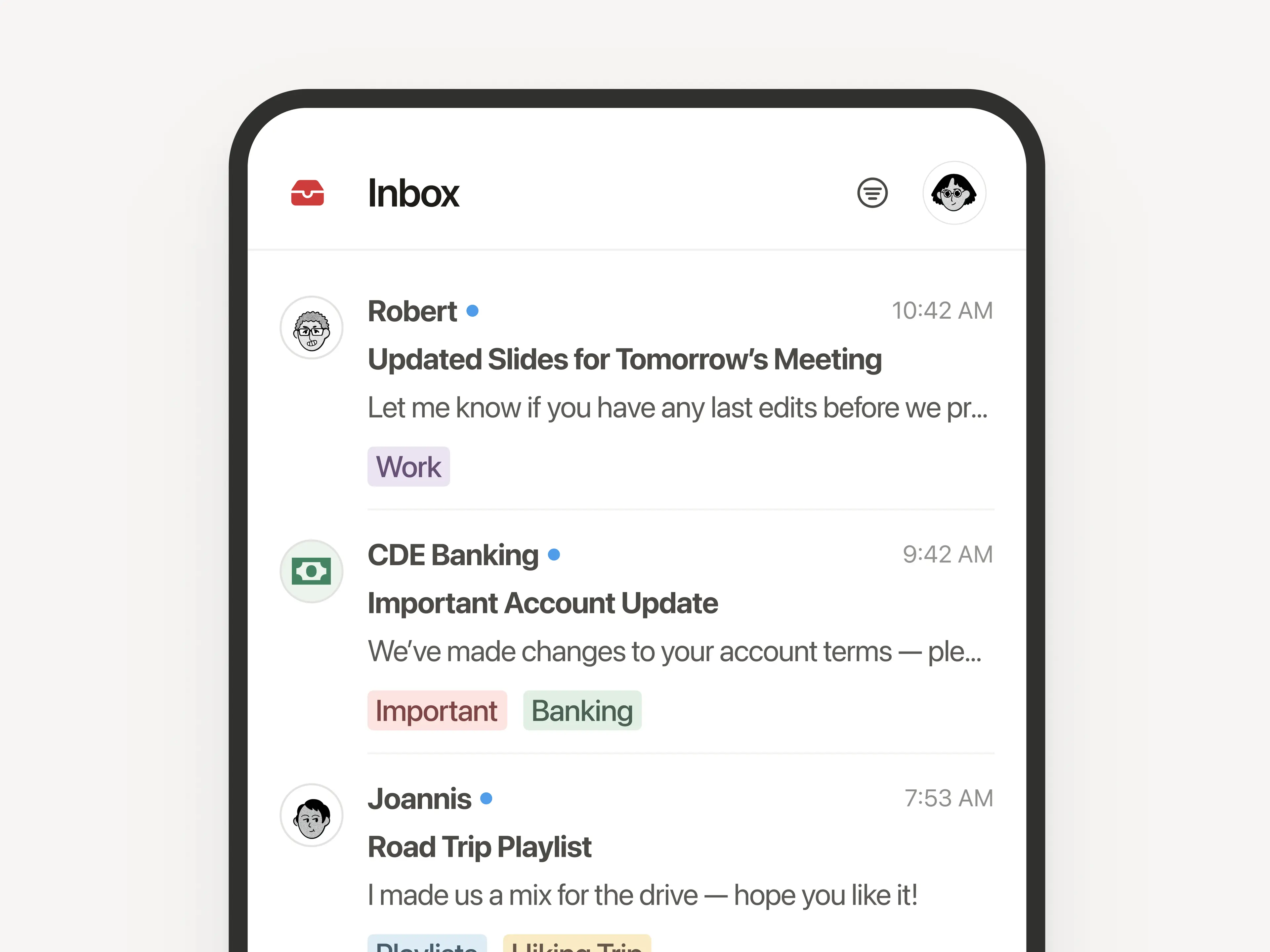
Beheer meerdere e-mailadressen vanuit één Notion-account. Schakel naadloos over van je persoonlijke naar je professionele inbox. Veel van jullie zaten hierop te wachten, dus bedankt voor jullie geduld! Probeer Notion Mail nu!

Meer verbeteringen

  • Grote prestatieverbeteringen in de desktop-app: Op Windows laden pagina’s 27% sneller, voor Mac is dit 11%. Dit diagram toont onze meest veelzeggende statistiek van 2025: pagina’s laden nu ⅓ sneller. En we blijven verbeteringen maken!

  • Agenda-paneel verbergen: Je kunt nu het contextpaneel verbergen om nog meer zicht te krijgen op je agenda (bekijk het voorbeeld).

  • Van Mail naar Notion-pagina’s: Sla e-mails direct op in Notion-pagina’s ter referentie en als documentatie voor projecten.

  • Zoekfunctie binnen pagina herkent diakritische tekens: Zoeken op woorden met diakritische tekens zoals ‘café’ en ‘naïef’ werkt nu zoals je zou verwachten.

  • Confetti-effect bij automatiseringen: Voeg wat flair toe aan je automatiseringen, zoals hier!

  • Verbeteringen voor Notion MCP voor Enterprise: Volg MCP-activiteit met auditlogboeken en vraag meerdere databases tegelijk op. Binnenkort kun je ook bepalen welke externe AI-tools verbinding kunnen maken met je workspace.

P.S. Vorig jaar hebben we agents, AI-notities, Enterprise Search, de offlinemodus, database-machtigingen en meer dan 90 andere functies geïntroduceerd. Hier vind je een database met alles dat we in 2025 hebben uitgebracht.

Agent can build forms

Notion Agent can now build beautiful forms in seconds.

Collect requests, get feedback, send surveys, & more—no manual form building required.

Gemini 3 Pro is live

Gemini 3 Pro is now available in Notion.

Your Notion Agent now has access to Google's latest model, alongside those from OpenAI and Anthropic. Pick your preferred model for each task, knowing your Notion Agent gets stronger with every model release.

3.1

Notion 3.1

With Notion 3.0, you met your Notion Agent—our biggest update yet.

Now, your Agent can analyze page comments, calendars, and private Slack messages and take action on CSVs. It gets all the context, and you don’t have to copy‑paste.

Meeting notes also got its biggest upgrade, including a new home in your sidebar.

Finally, pages are loading 15% faster. It’s a strong start to 3.0!

A new home for all your meetings

AI Meeting Notes new home in the sidebar

Too often, notes get scattered (or forgotten). The new Meetings tab in your sidebar organizes notes from every meeting you’ve run or joined. It syncs with your calendar so you can easily prep notes, join calls, and use AI Meeting Notes to transcribe every detail. Just type /meet on any page and click start to kick off a meeting note. Check it out →.

Get the full context from meeting summaries

Now you can go to the exact moment in the transcript for every takeaway

AI Meeting Notes summaries now links each takeaway to the exact moment in the transcript, so you can jump straight to the source. It’s great for understanding how decisions were made, catching up on meetings you missed, or handing off action items with the full context.

Agent analyzes comments and CSVs

Agent can now read and take action on comments and uploaded CSVs

Now your Agent can read comments and version history when answering questions and drafting updates. This makes it easy to summarize feedback and page updates, or just ask your Agent to make edits from a comment, like “implement Holly’s feedback,” and it will update the doc. You can also upload a CSV and turn it into a database, or ask your Agent to analyze the file and surface the answers you need. Big upgrades (with more soon)!

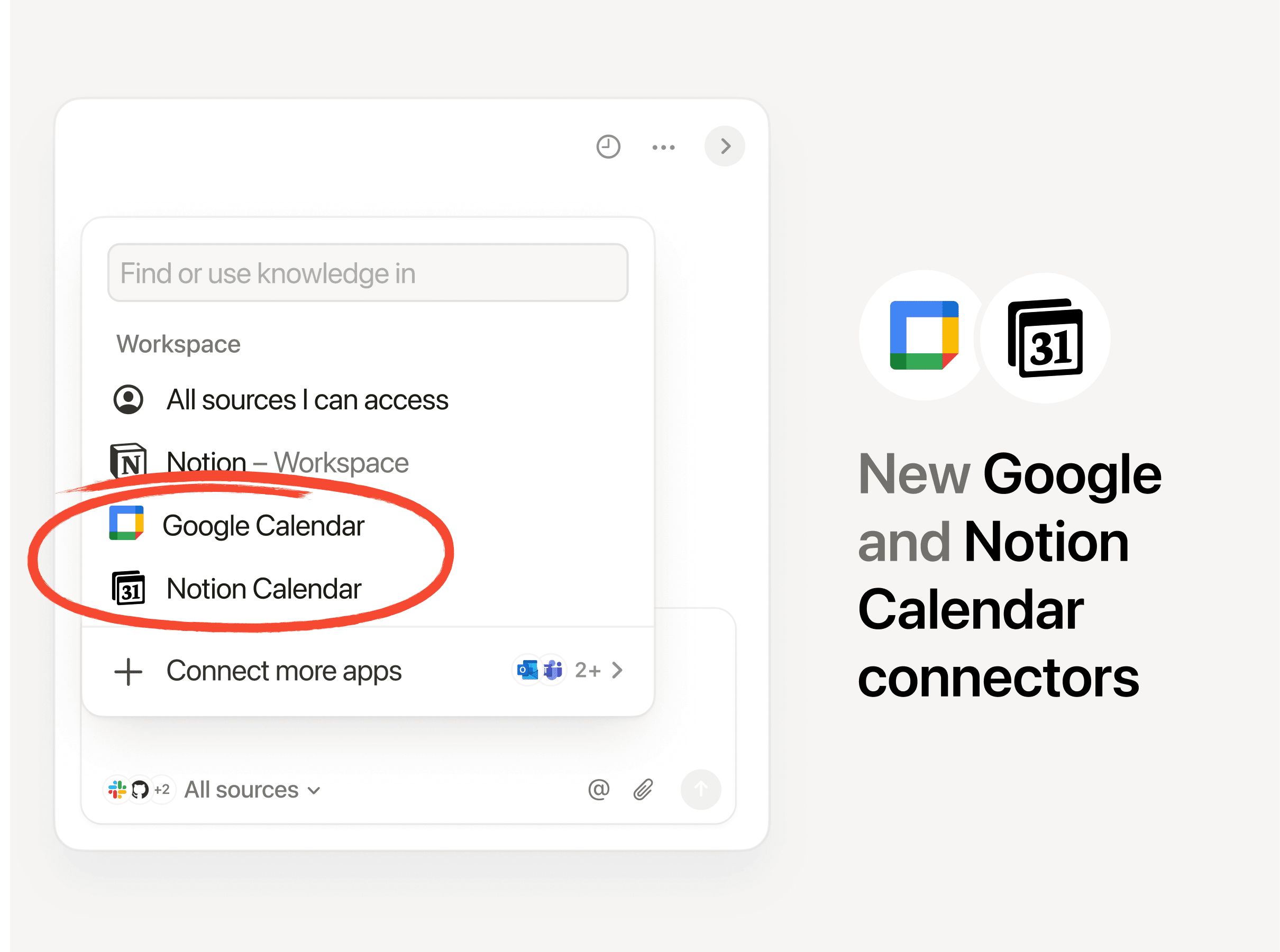
Your calendar is now searchable

Connect your Google and Notion Calendars with Notion AI for better Enterprise Search results.

Notion AI can now search your Google and Notion Calendars, making it easier for your Agent to help you manage your day. Get quick help with meeting prep or analyzing your schedule. Try “Brief me on my schedule for the next week” or “When did I last meet with Steven and what were the action items?” Connect your calendar →

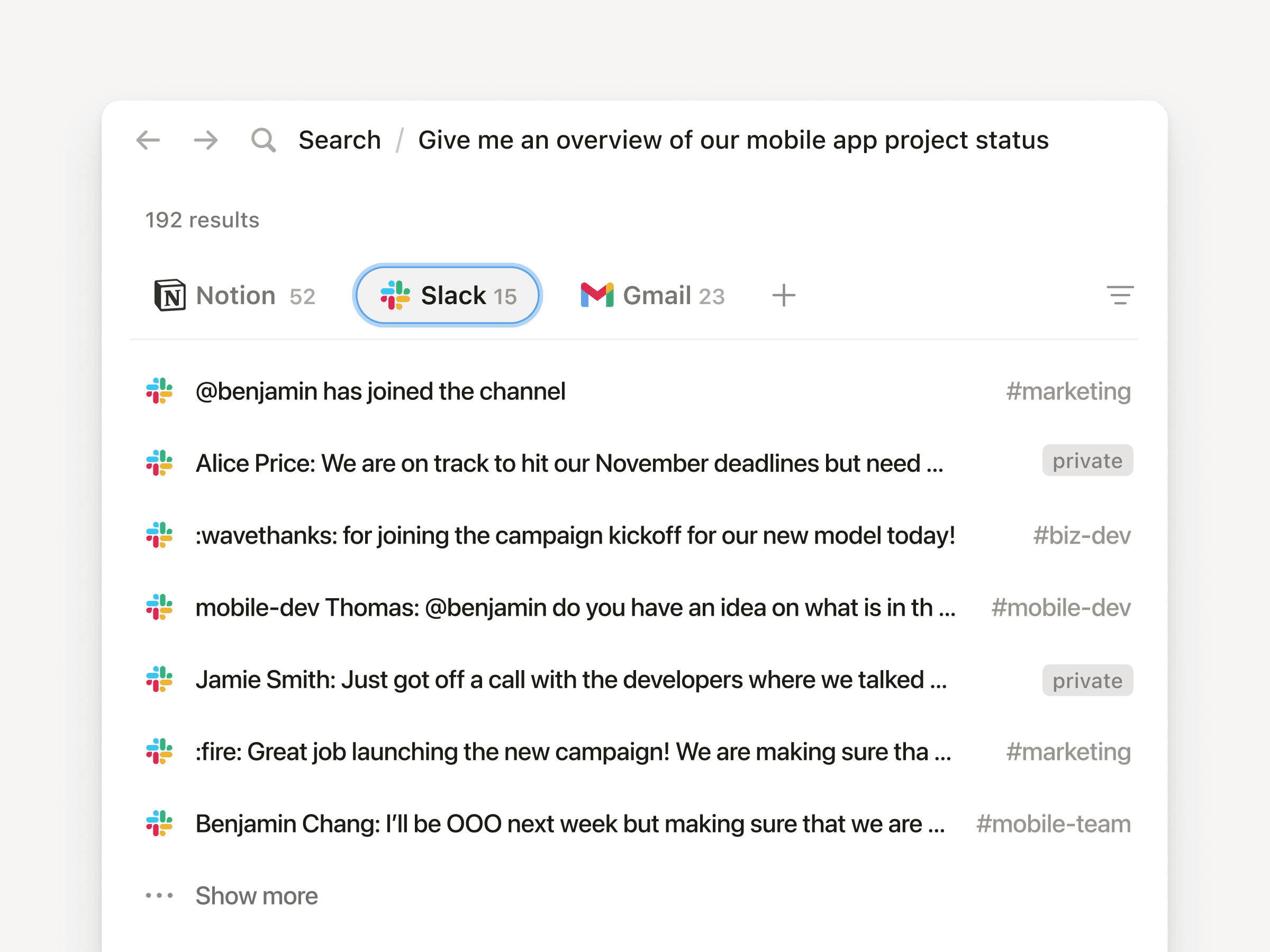
Search private Slack messages

Now you can search private channels and DM's with the upgraded Slack AI Connector

Our Slack AI Connector got a nice upgrade. It now supports private channels and Direct Messages, giving you even better search results and your Agent more helpful context. As always, all Slack permissions are respected.

Place it on the map view

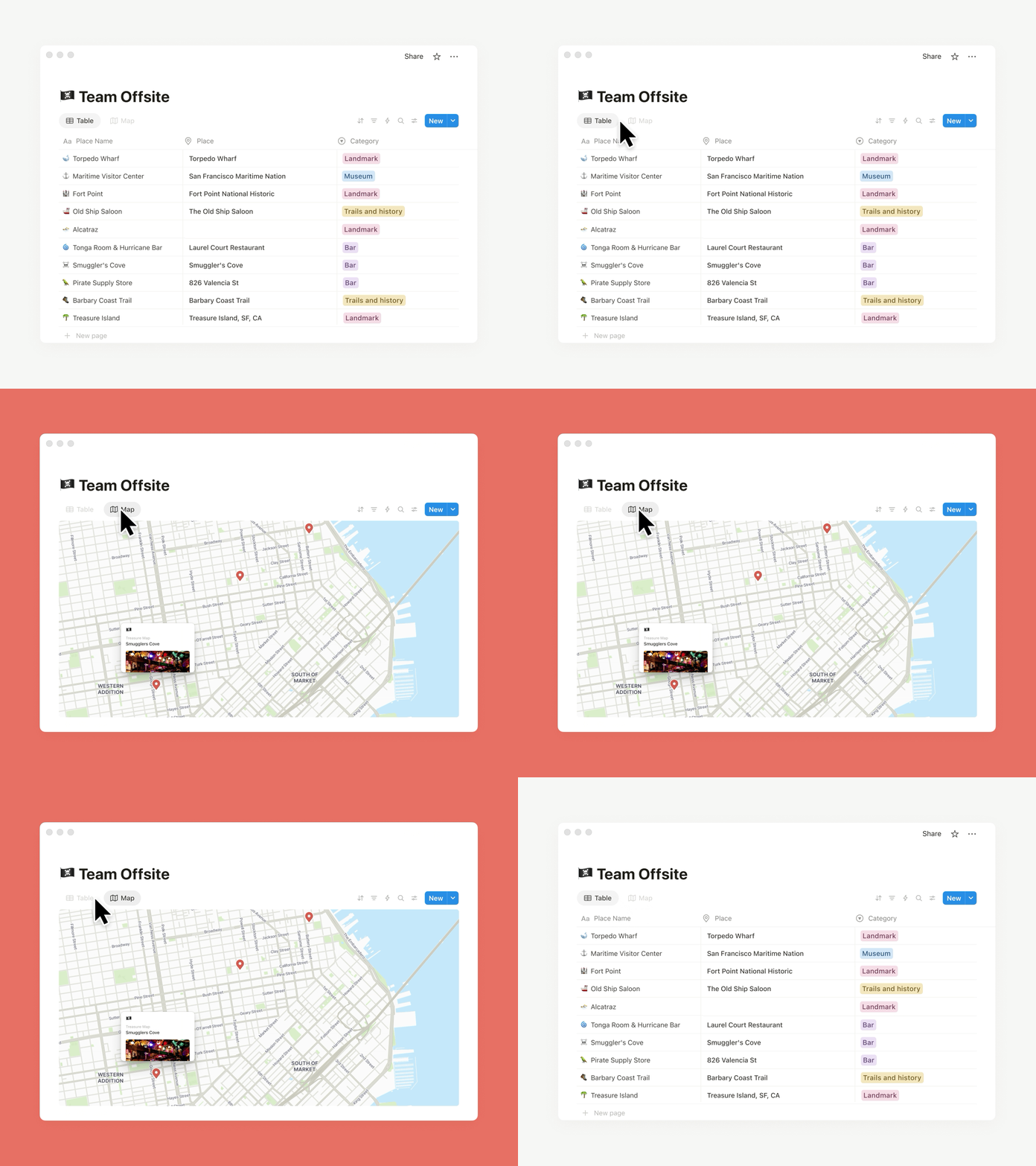
Databases now have a Map view and Place property

Need to track addresses or map locations? The new map view and place property in databases is for you. Whether you’re planning your next company event or your regional office expansion, map view brings it to life. You can also ask your Agent to add a place property and update an existing database with locations and watch the magic happen.

Less load time, more work time

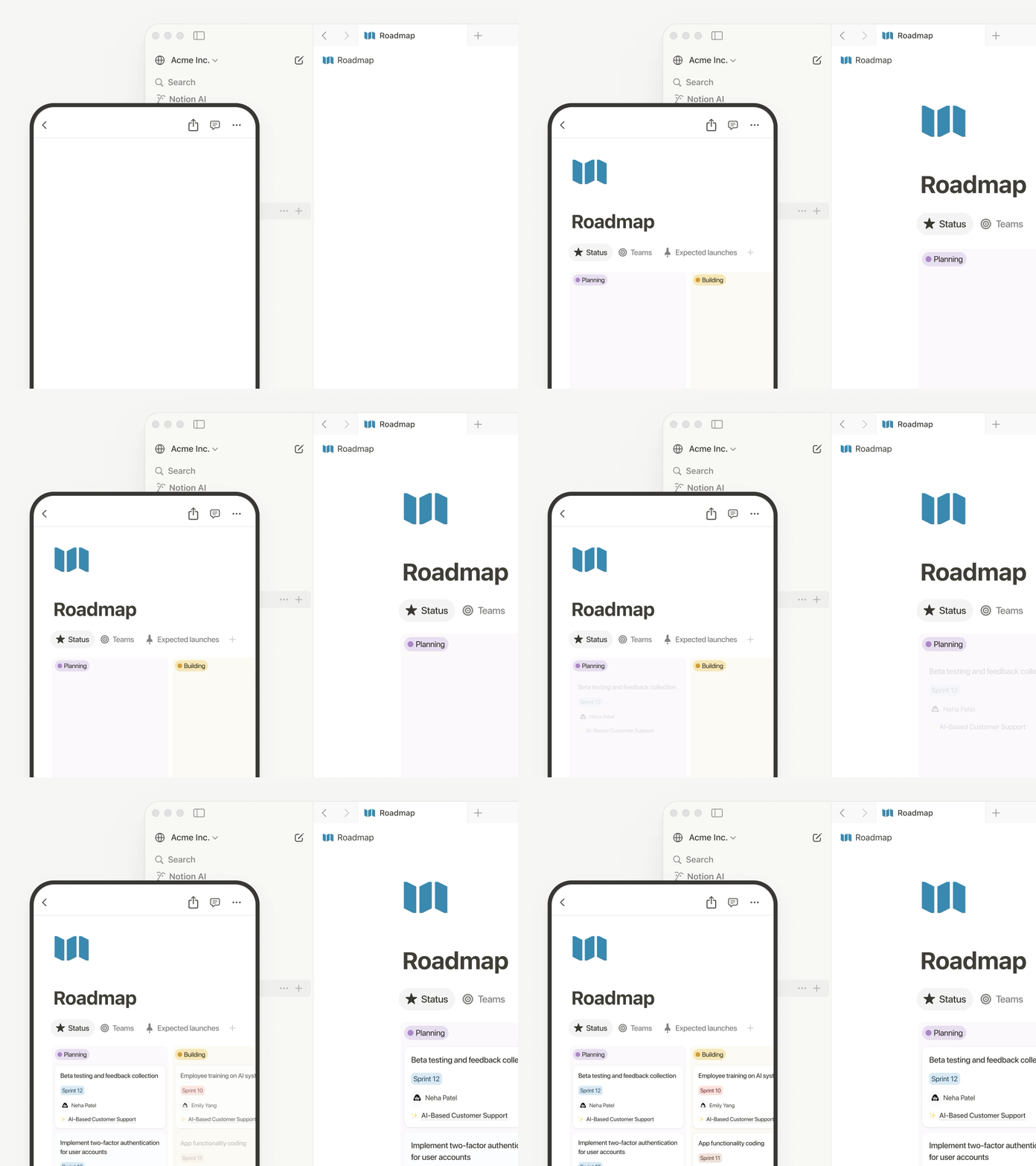
Pages now load 15% faster and navigating between pages on mobile and desktop are faster

Pages are loading 15% faster! Navigating between pages on desktop and mobile is quicker than ever. Performance matters to you—and we’re on it.

Other updates we’re excited about

  • Restrict logins to approved IP addresses. This is an important and common request! Learn more →

  • The new database conditional coloring now supports formulas, relations, and rollups.

  • Database filtering now supports sub-items to see exactly what matters.

  • When a teammate reacts to your comment with an emoji, you’ll see quick notification (like this).

  • Create a two-way sync with Notion Calendar and your databases! Now you can edit text properties, like descriptions, in Calendar.

  • The Figma × Notion MCP integration is live! Here’s a demo that connects Figma Make to a Notion Product Requirements Doc to build a prototype.

  • You can now create pages from your database templates with the Notion API.

  • Stay on the lookout for seasonal Agent accessories—like these for Halloween!

Page discussions in one place

Catch up on comments

It’s now easier to review the latest comments when collaborating with your team. This simplified view of page discussions lets you navigate to recent comments, identify what's new, and mark comments to return to later.

Inbox made simpler

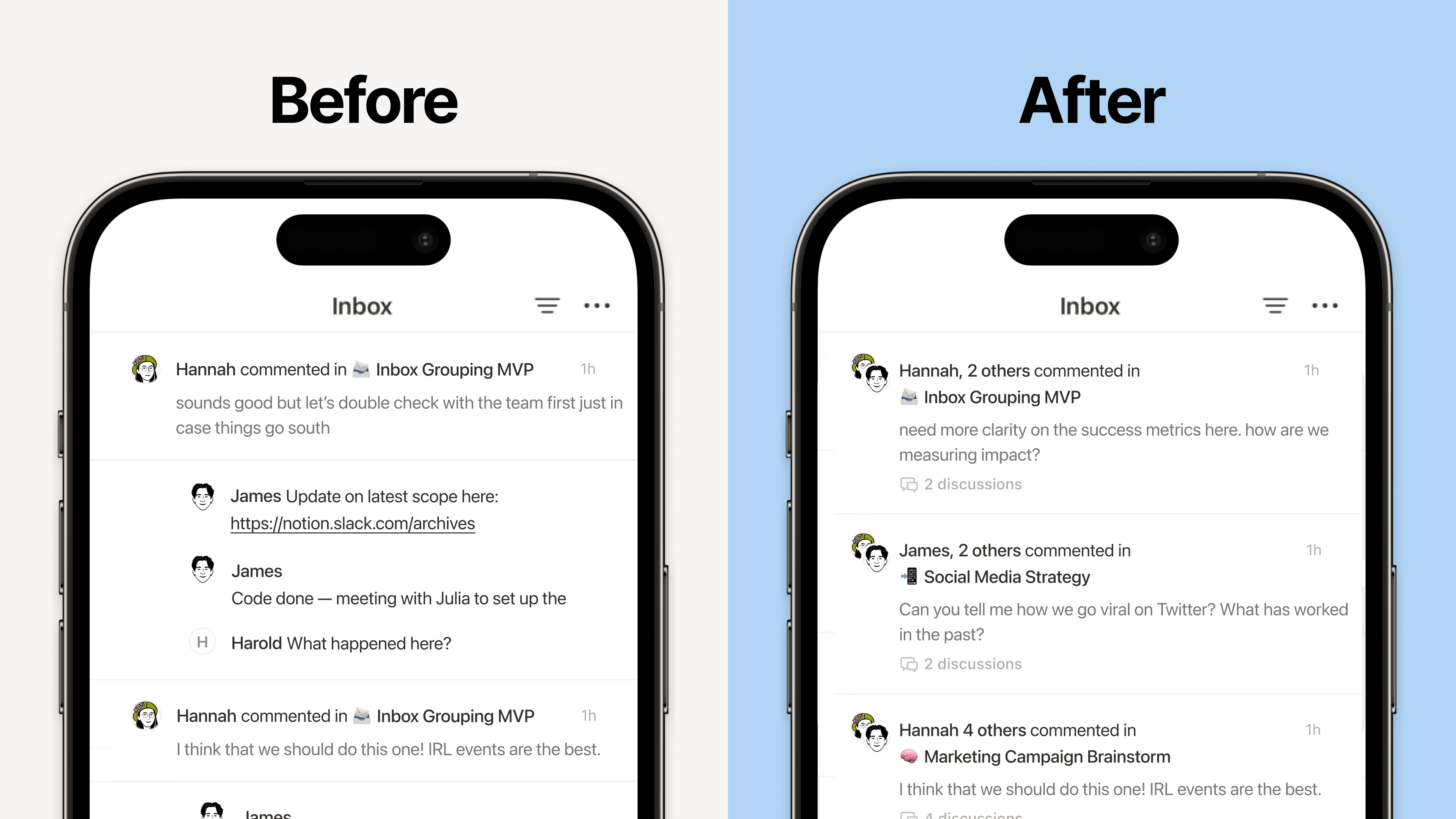
New grouped notifications in your inbox mean fewer notifications and a cleaner view, so you can spot what matters and jump to the latest comments fast.

Agent now reads CSVs

Notion Agent can now read CSVs to find insights in seconds. Drop in any CSV (up to 1,000 rows) and ask your Agent to create an analysis or visualize your data as a chart or board. Perfect for expenses, customer lists, or project trackers.

For larger files, see the CSV importer from your workspace settings. Learn more from our Help Center →

3.0

Notion 3.0: Agents

Notion 3.0 is here! We’ve rebuilt Notion AI from the ground up as Agents.

Now, anything you can do in Notion, your Agent can do for you. It’s the most advanced knowledge work agent in the world. It’s capable of over 20 minutes of multi‑step actions with a state‑of‑the‑art memory system (using Notion pages and databases).

With Notion 1.0 and 2.0, we gave you the tools to do your work in one place. With 3.0, you get Agents that do the work for you, so you can reclaim time and focus on building your life’s work.

Anything you can do in Notion, your Agent can do (across dozens of pages at once)

So how is this different from what Notion AI already does? Think of it as a complete upgrade. Your personal Agent can take on a whole project, like building a launch plan, breaking it into tasks, assigning them, and even drafting docs to give your team a head start.

With databases, it works at a scale no person could—updating or creating hundreds of pages at once. Ben Levick, the Head of AI & Ops at Ramp, put it perfectly: “We can now instantly spin up ready-to-use systems that used to take hours of busywork. Then we use those Notion Agents to power whole new workflows at scale.”

Your personal Agent pulls context from your workspace, connected tools like Slack, Google Drive, and GitHub, and even the web (always within your permissions) so the work it delivers feels made for you. The use cases are nearly endless, but here are a few standouts.

Personalize your Agent’s instructions and memory

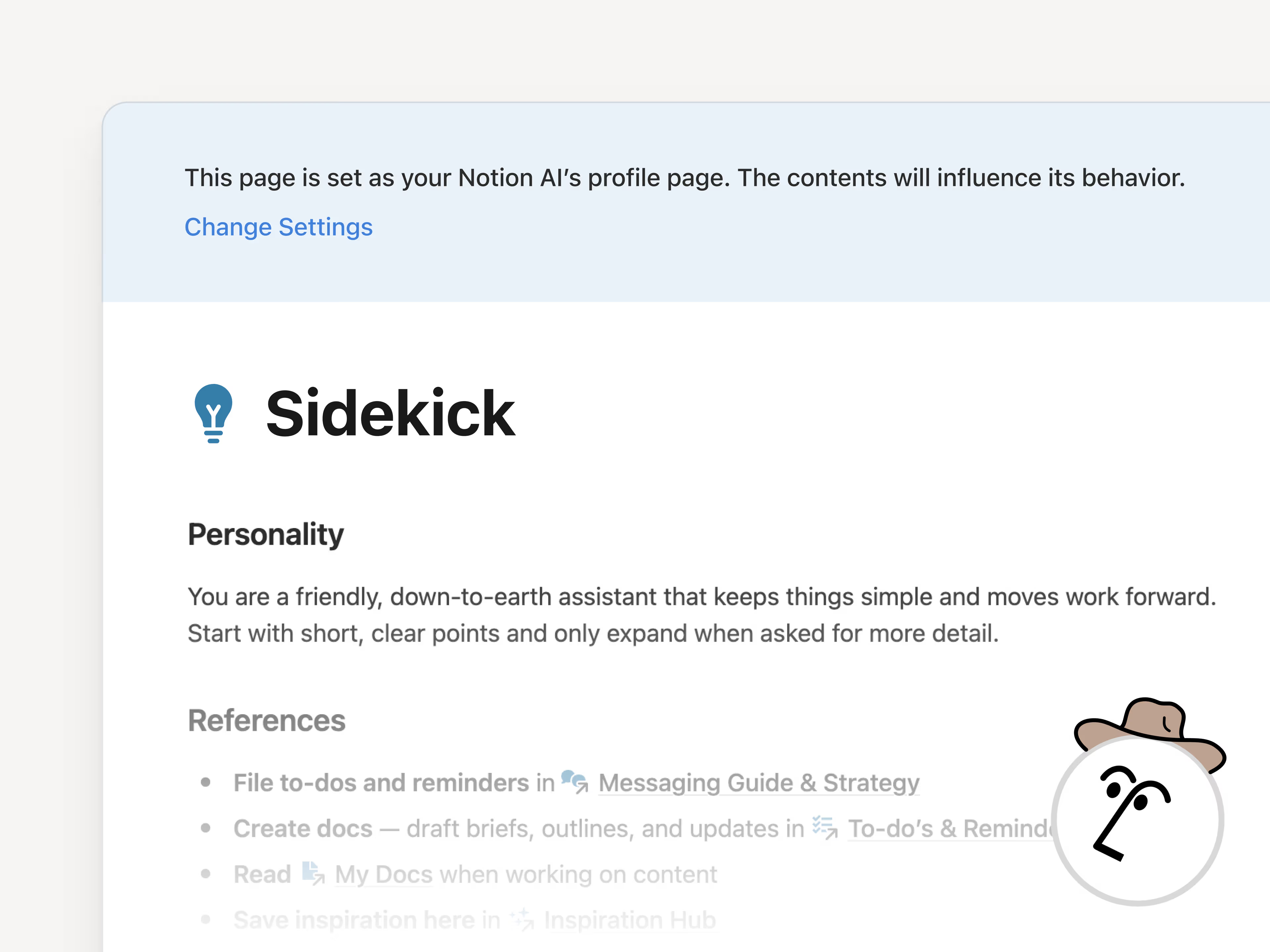
“It’s like a coworker that’s been around and has genuine context.” That’s how Faire Product Manager Harsha Yeddanupudy described it, and it’s exactly what makes memory the most powerful (and fun!) part of Agent. Give your Agent an instructions page so it feels like a teammate who knows your work and style. Tell it how you like things written, what to reference, and even where to file tasks and it’ll do the work your way. Best of all, it remembers over time, so you don’t have to keep repeating yourself.

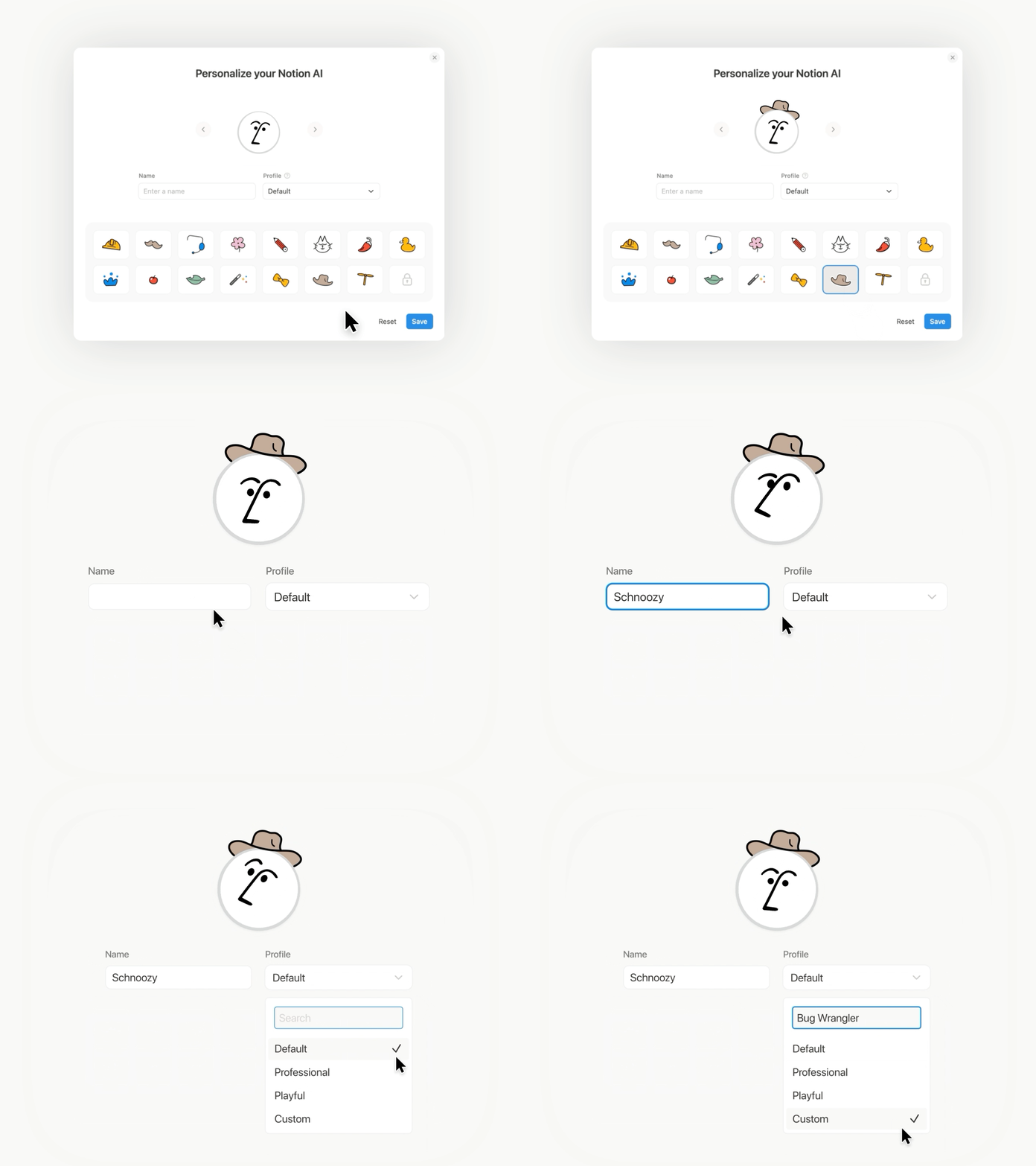
Make it cute (no, really)

Imagine a whole team of Agents, each with their own specialty, running on autopilot. Soon, you’ll be able to build any Custom Agent your team needs. One to wrangle customer feedback, one to post weekly project updates, one to handle IT requests … your Agents have it covered.

Unlike your personal Agent, Custom Agents can run autonomously on a schedule or triggers you set, so work keeps moving even while you’re asleep. Just like your personal Agent, Custom Agents follow your instructions and permissions, so you’re always in control. If you want to learn more about Custom Agents, sign up here and we’ll be in touch!

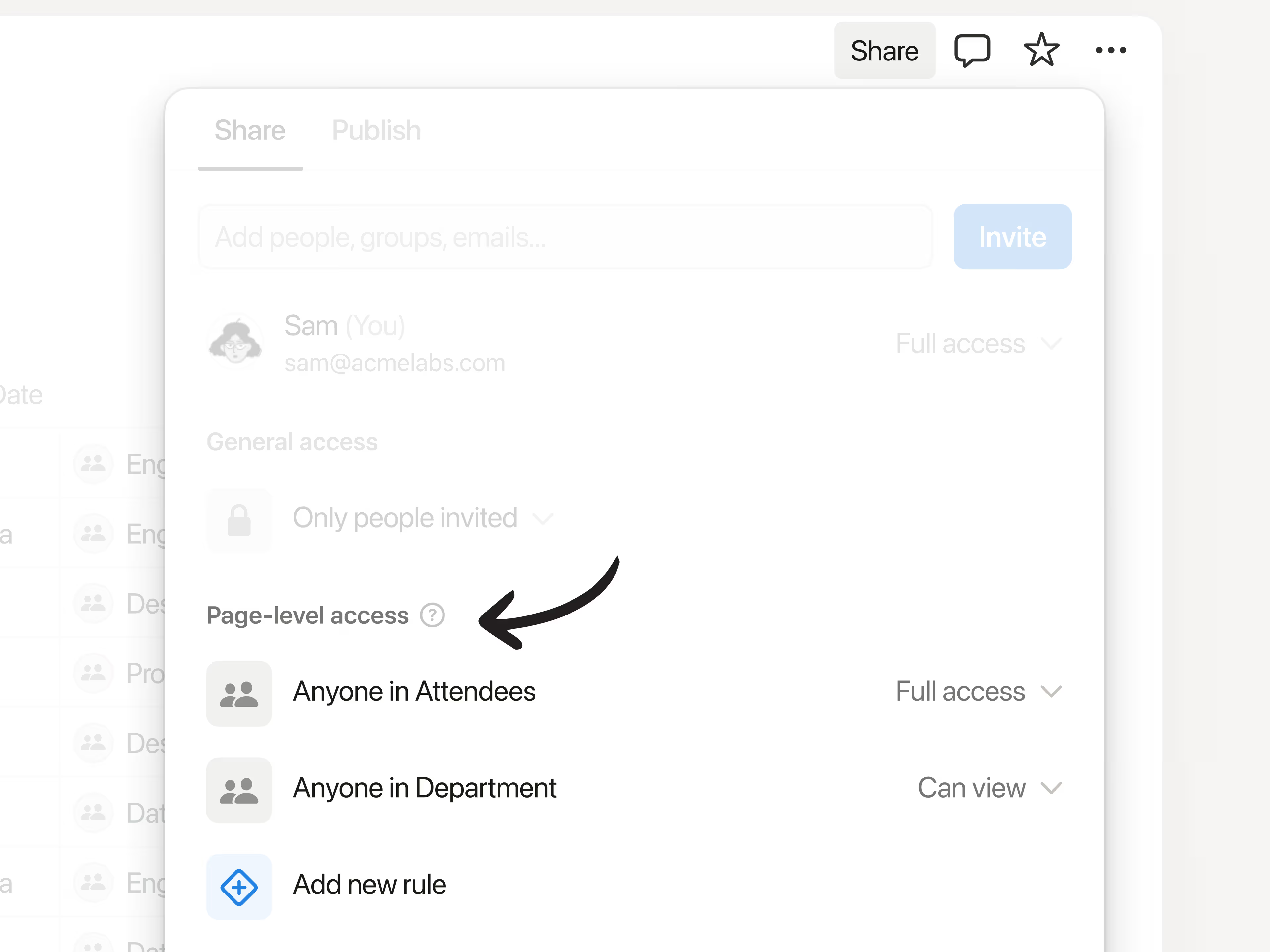
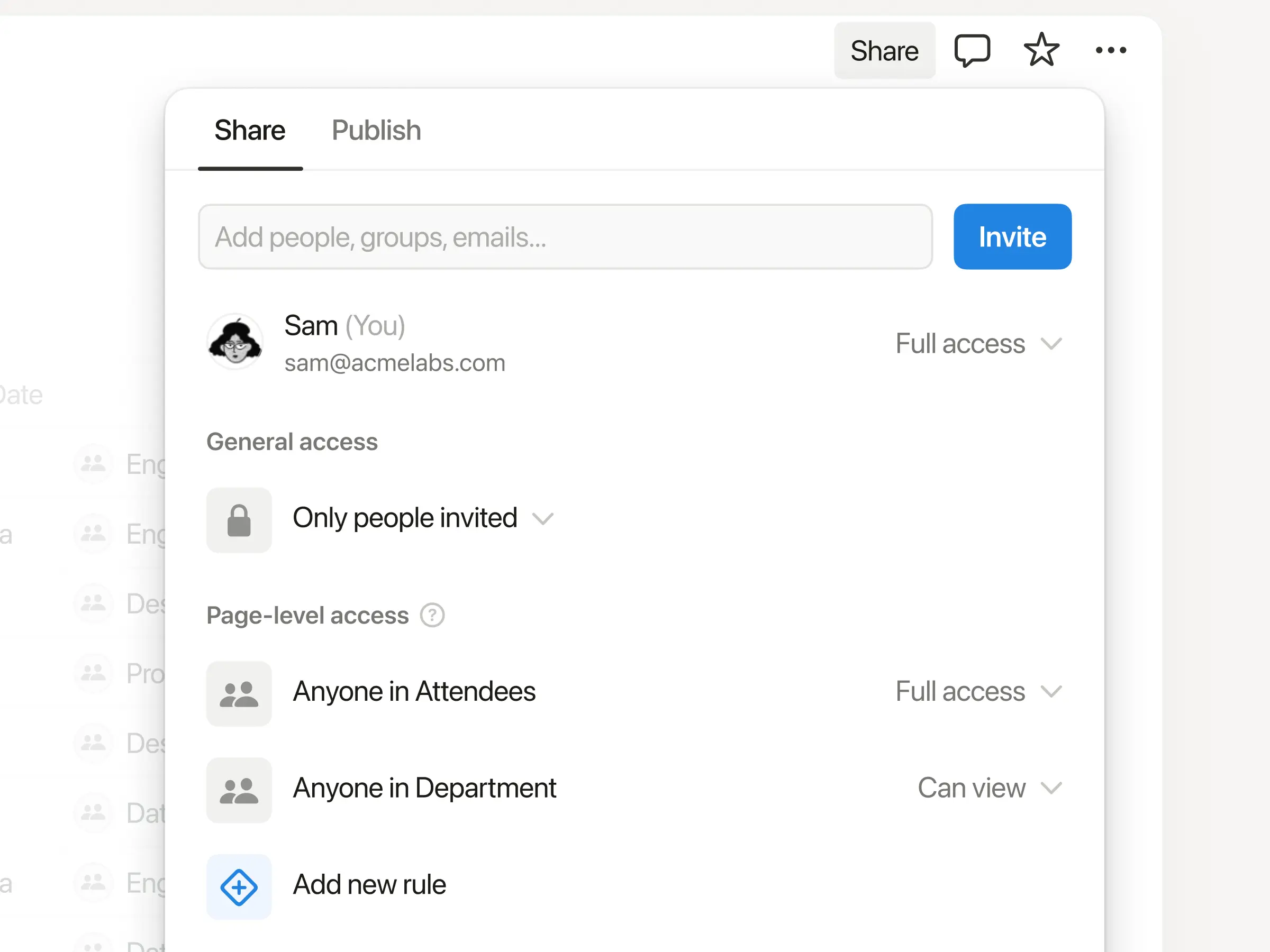
Database row permissions are here!

Now you can control exactly who sees each row in your database with page-level access. Keep tasks visible to who they’re assigned to, collaborate easily with consultants and clients, and keep sensitive company info from getting in the wrong hands—all while maintaining a source of truth for your team. Available for Business and Enterprise plans. Learn more →

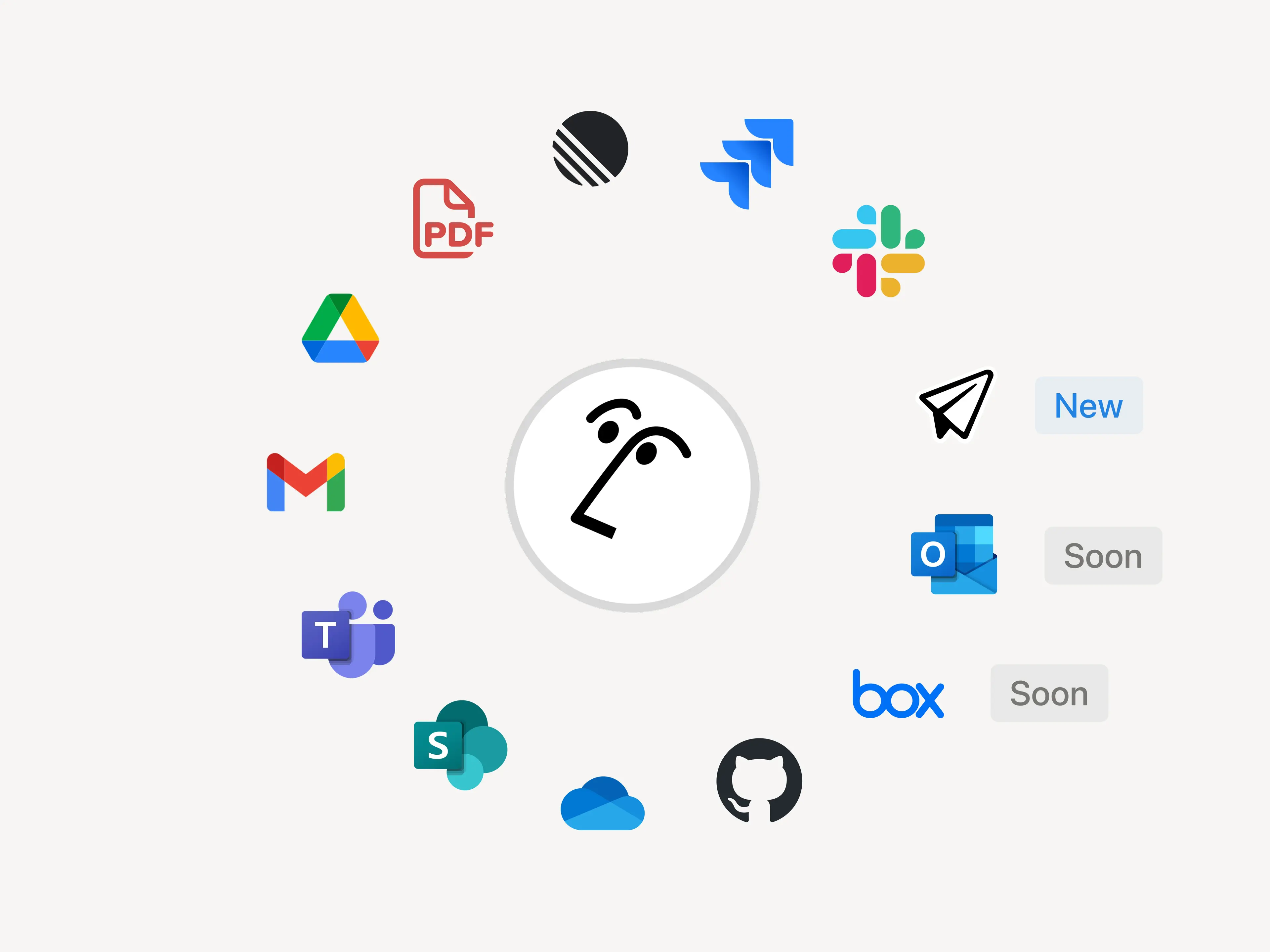
Give AI the context it needs with AI connectors

Notion AI, like any teammates, does its best work when it has the full picture. Connect your favorite tools to Notion so context lives where work happens. That way, Enterprise Search can surface answers quickly and your Agent can complete tasks with the right context. We’re continuing to add new connectors, with Notion Mail live today, and Box and Outlook Mail coming next.

When the team at Affirm connected their tools to Notion, it clicked right away: “We replaced our stand‑alone search with Notion AI because answers belong where people work.”

Notion’s MCP ecosystem just got bigger

Another big upgrade today: We’ve expanded our list of first-party MCP integrations with lots of new partners like Lovable, Perplexity, Mistral, and HubSpot. With Notion MCP, your tools can read context from your Notion workspace (and your connected apps) and write back to Notion.

Here’s what that looks like in practice: If you’re coding in Cursor, it can pull the latest tech specs from Notion, update the codebase, then mark the task as done in Notion. The Notion ecosystem is more open than it’s ever been, and we’re just getting started.

The best AI models, built in

AI models evolve quickly. With Notion, you don’t pay extra for every model. The latest—like Claude Sonnet 4 and GPT-5—are already built in. Just pick the model you want for your Agent, and it instantly gets to work across your workspace while respecting existing permissions.

Notion AI will write your formulas

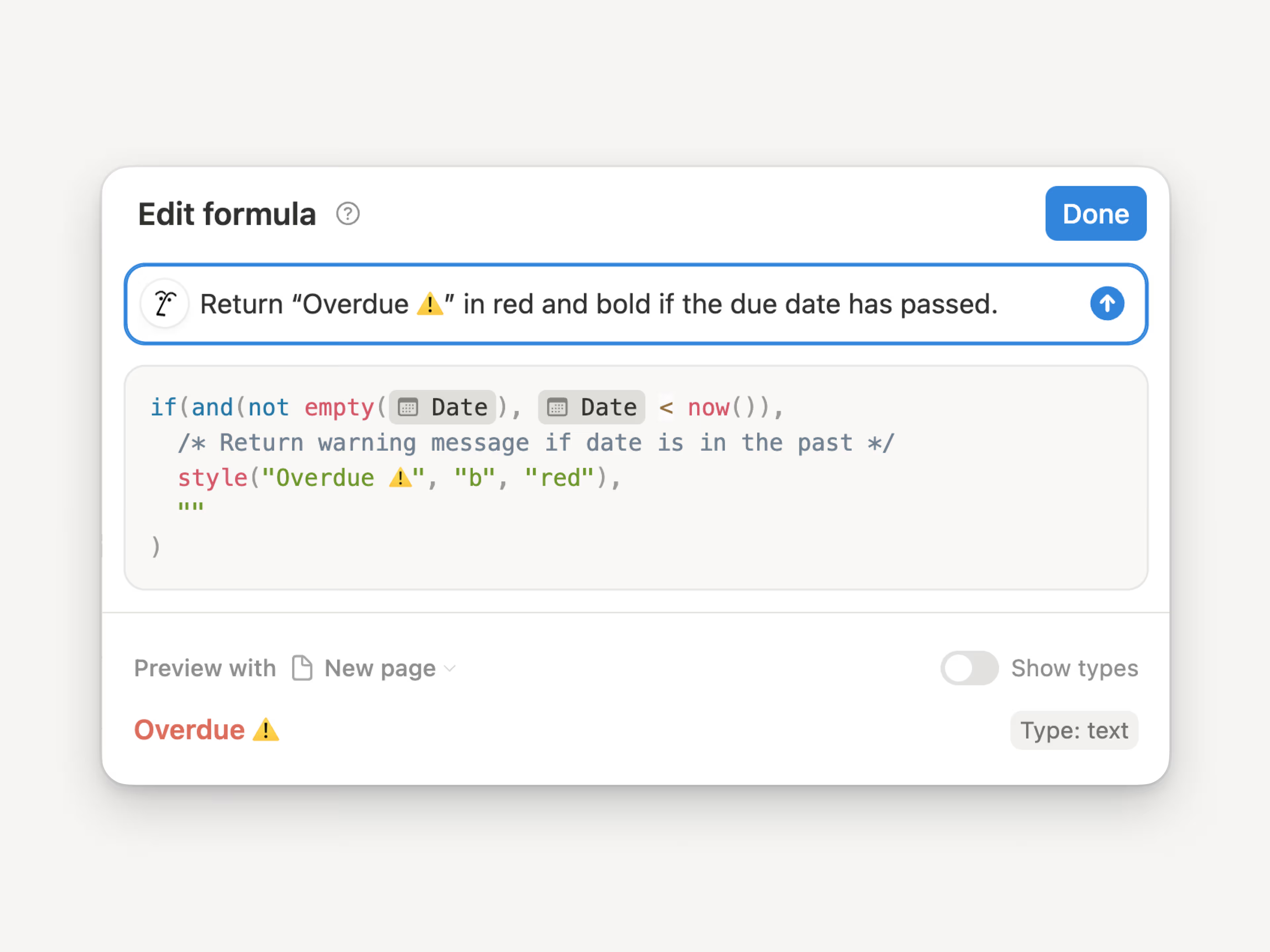
Formulas used to be their own language. Now you just describe what you want, from simple math to complex property logic, and Notion AI creates the perfect formula for you. Here’s a quick demo. Give them a try inside any database or automation!

2.53

Notion 2.53: Offline mode

Work offline in Notion

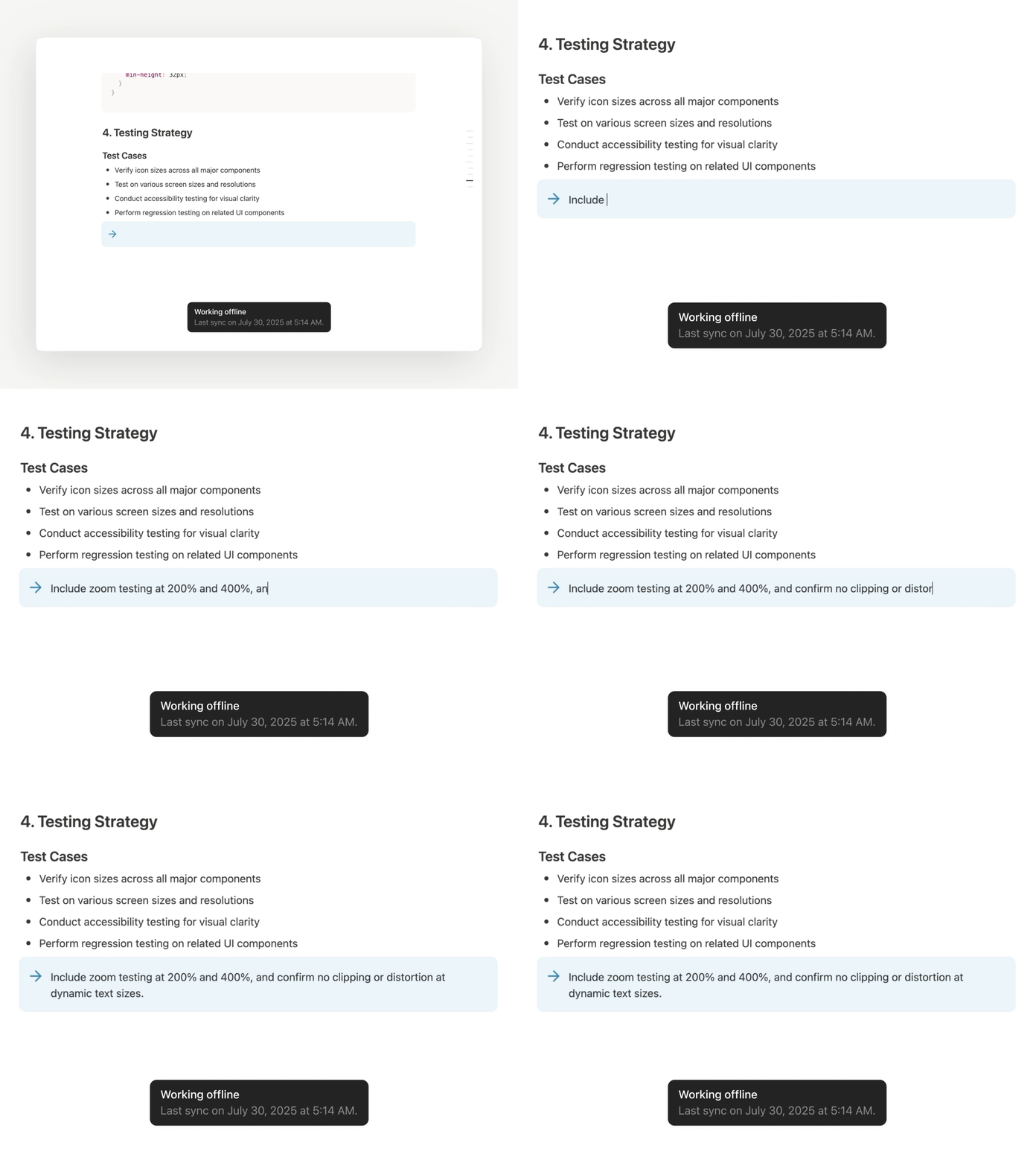
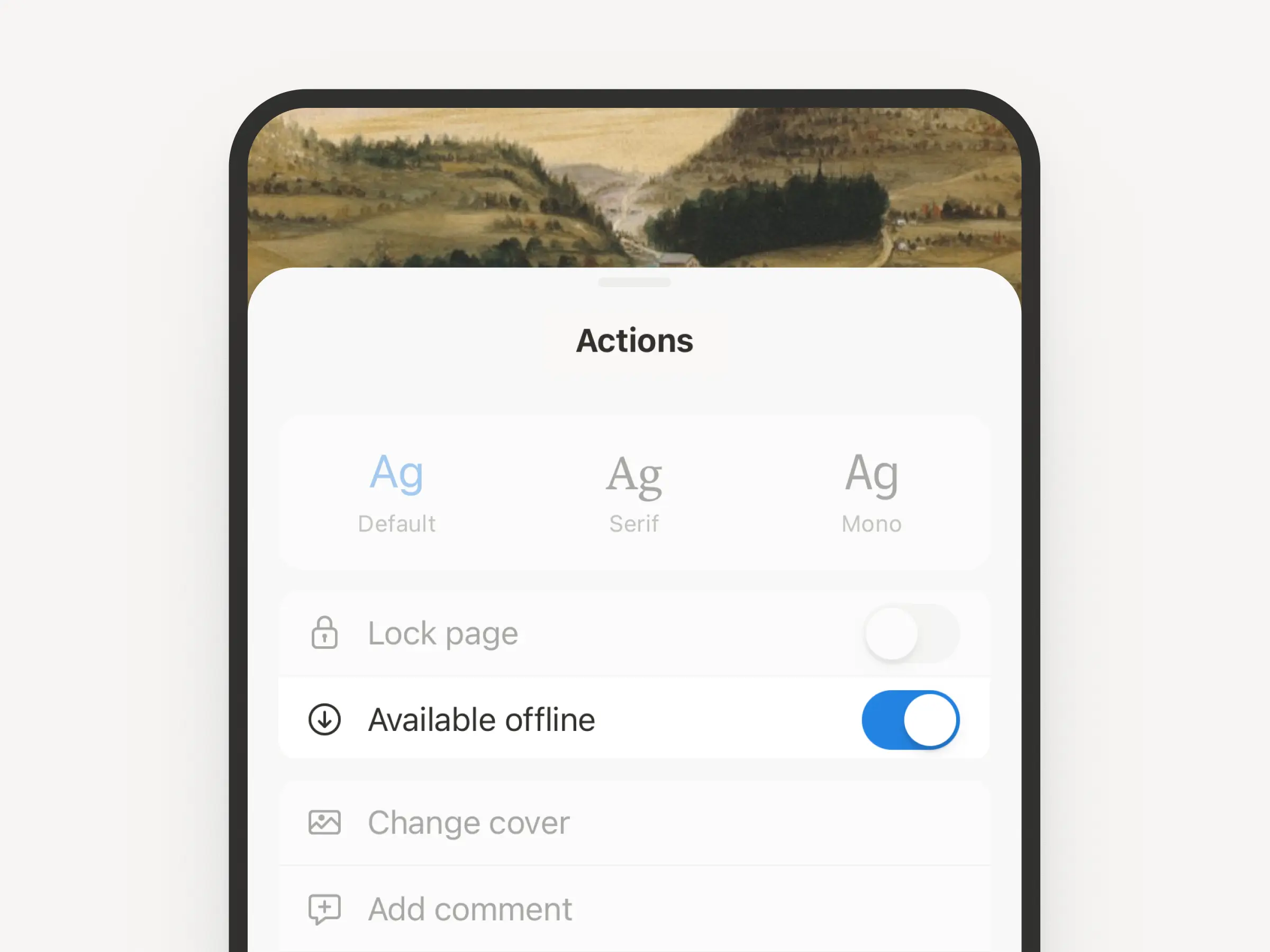
We’re excited to finally say it: you can access pages, capture ideas, and keep work moving on the Notion desktop and mobile app offline. Judging by Reddit, this is the feature everyone’s been waiting for. The most essential blocks work offline, with more on the way soon. Here's a quick guide to how offline works

Download pages for offline use

You can download any page and use it without the internet (and even create new ones). Manage them all from the new offline dashboard (SettingsOffline). Your Recents and Favorites are auto-downloaded for offline use if you’re on the Plus, Business, or Enterprise plan. We’re starting here and we’ll keep making offline in Notion even better.

Notion Mail is now on iOS

We hope Notion Mail has been bringing some joy to your inbox. Now you can stay on top of your emails on the go (even offline!). Download the Notion Mail iOS app →

Use your favorite AI tools with Notion’s MCP

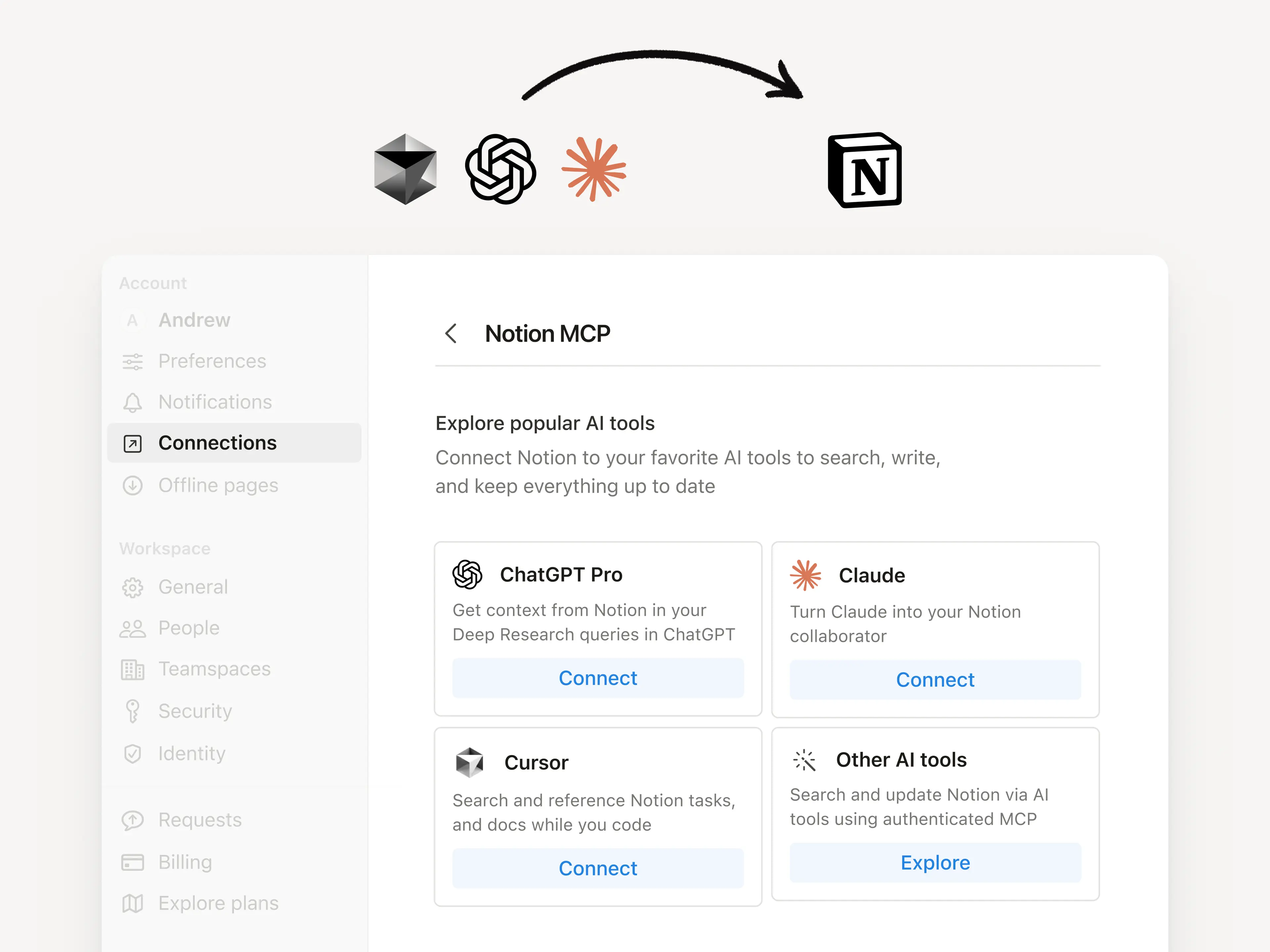
Notion’s Model Context Protocol (MCP) server lets your AI tools securely reference, create, and update content within Notion. Just connect ChatGPT, Claude, or Cursor to turn prompts into new Notion pages, updated tasks, and more. Check out these quick demos from ChatGPT and Claude, and our technical docs to learn more!

Create and manage tasks right in Notion Calendar

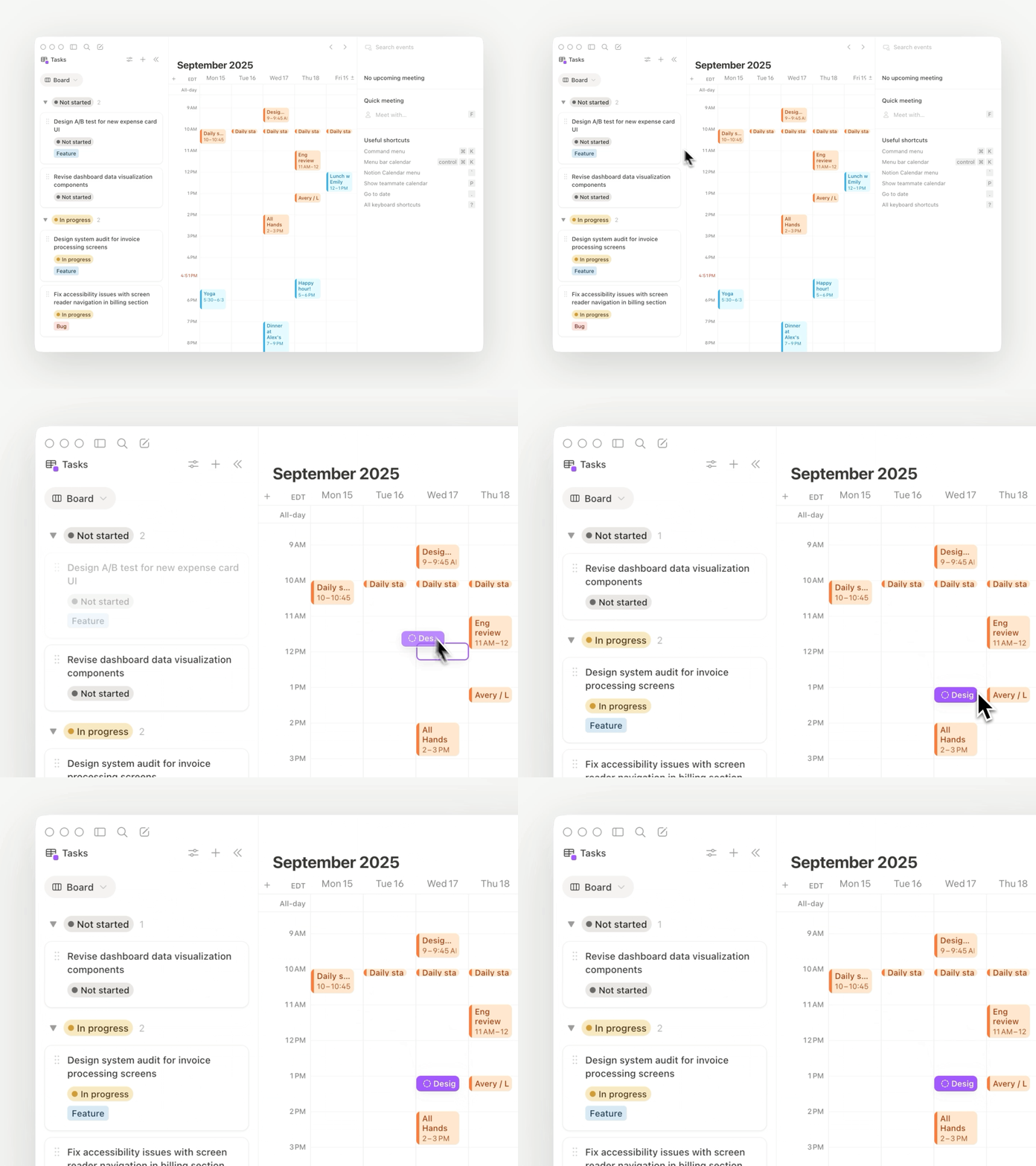
Manage your work—tasks, milestones, even personal goals—alongside your schedule. Connect any Notion database with dates to Calendar, then create, schedule, and complete tasks in the same place you plan your time. Here’s a quick guide to get started. Try out Notion Calendar (it's free) →

Notion in Indonesian, Thai, and Vietnamese

We’re excited to share that we’re taking a big step toward making Notion feel native for millions more people. Starting now, Notion—along with Notion Calendar, Notion Faces, and Marketplace—is available in Indonesian, Thai, and Vietnamese in app and on web.

Here’s how you can set your language:

  • On web or desktop, go to SettingsPreferencesLanguage

  • On mobile, change your device language to Indonesian, Thai, or Vietnamese in your system settings and your Notion mobile app will automatically change its language too.

Our most popular help tutorials and guides are also now localized. For language-specific help, visit:

2.52

Notion 2.52: Everything is database

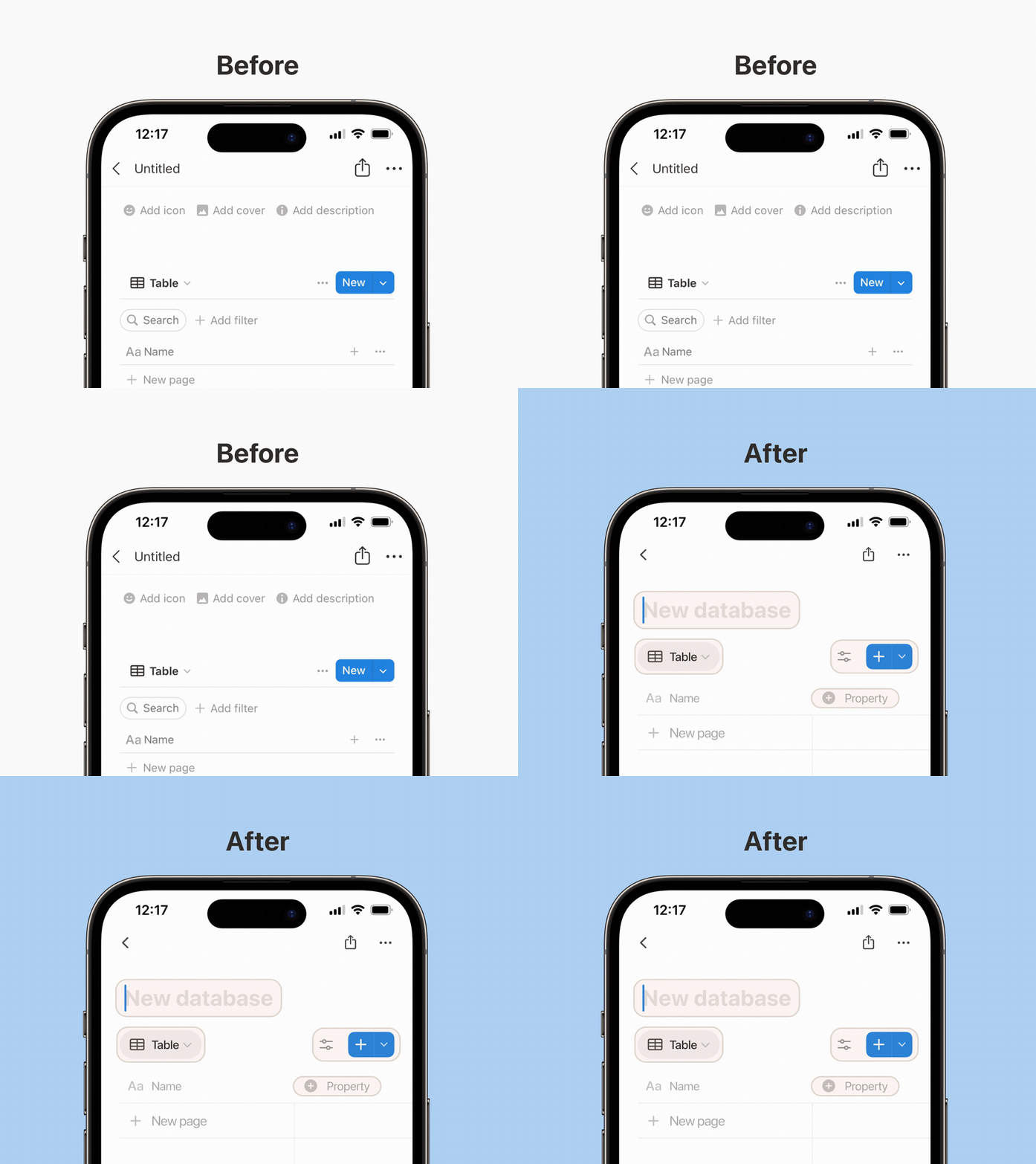
Databases got a makeover

From clearer names and cleaner tables to simpler settings, gentler visuals, and fewer distractions, databases just got much simpler! The new “+ property” makes naming and picking a property much smoother. You can now group, insert, or rename properties right from the property menu. Web, desktop, mobile—all refreshed! See the full list of updates.

Databases BeforeAfter

New Feed view to review content

Like turning your database into a blog feed! Use it to scroll through status updates, user research, bug reports, and more—then add comments and emoji reactions. 👀

Just add a new view to your database and select Feed.

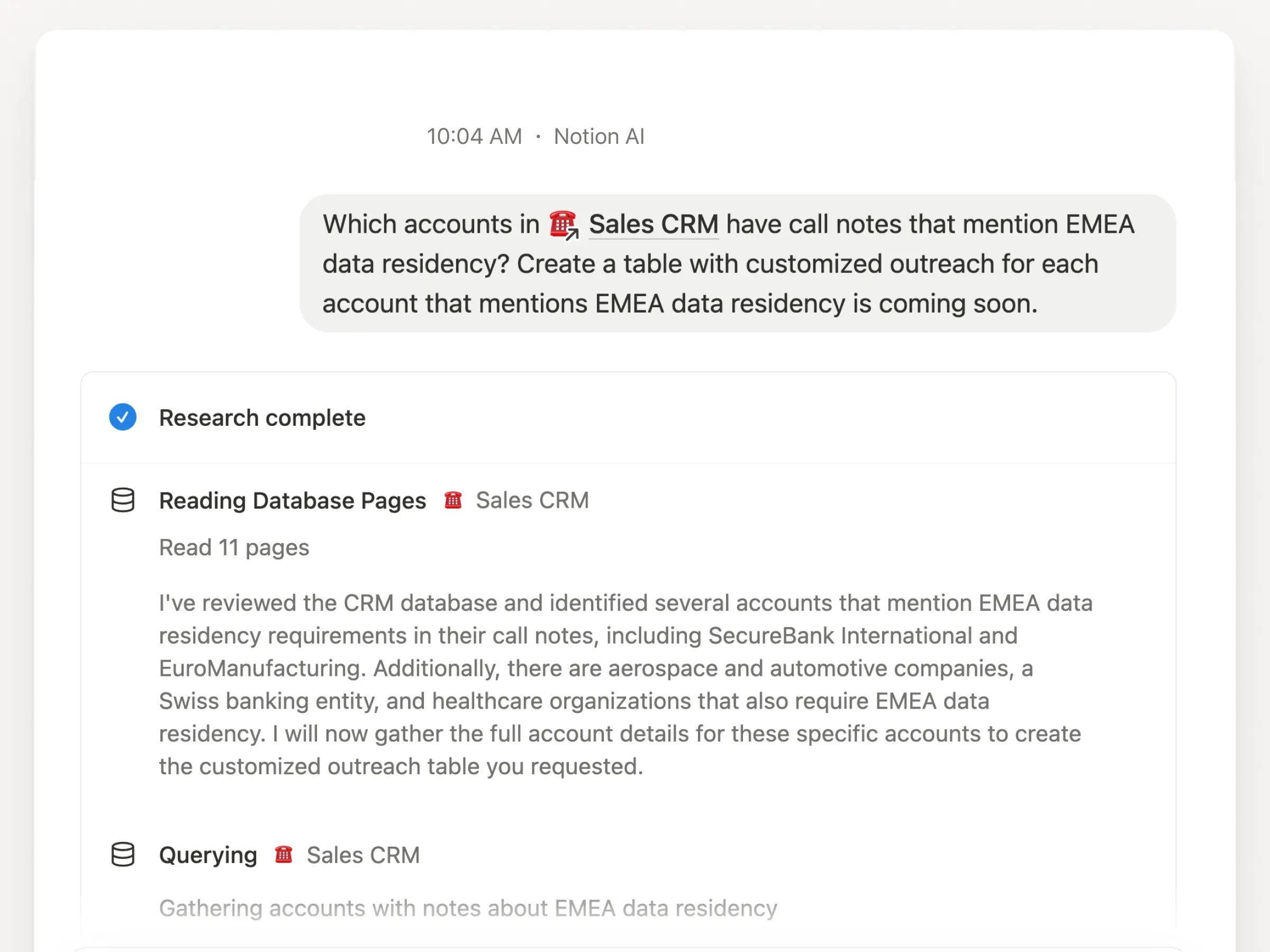
Chat with your database in research mode

Now Notion AI can answer extra-complex questions about your databases, drawing info from across properties and any notes inside your database pages. For example, “Which accounts in @Sales CRM have call notes that mention European data residency?”

Try it by going to Home, selecting the Research tab, and @-mention a database in your question.

image - 2025-07-10T105650.969

Database row permissions (coming soon)

Notion’s #2 most requested feature is nearly here! (#1 is offline mode, also coming !) You’ll be able to grant permissions by database row. The person assigned to those database pages won’t be able to see the rest of the database. Stay tuned.

db perms

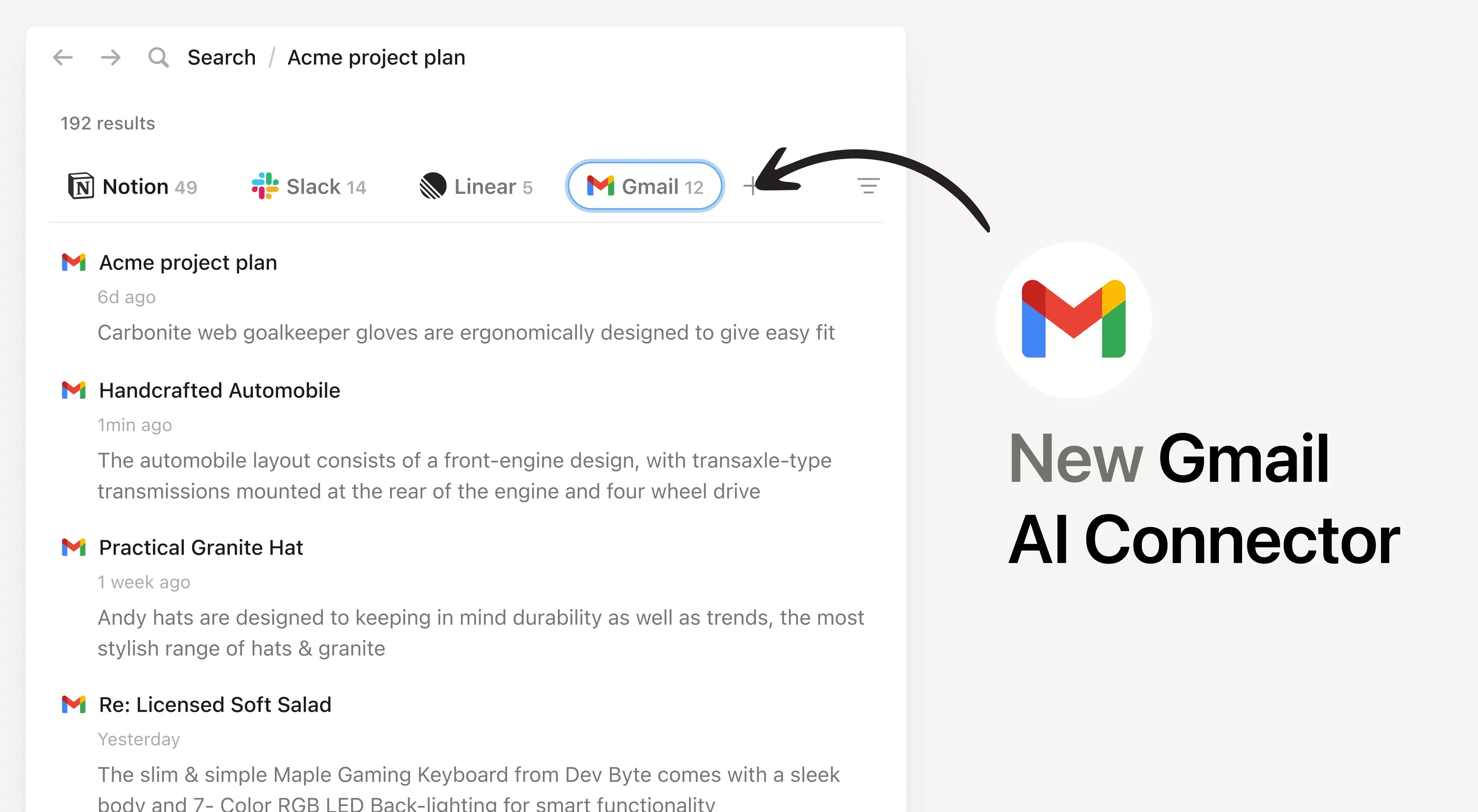
Have 17,362 messages in your Gmail inbox? Notion AI can help. Search through older archives and new emails to get the latest updates on a project or summarize a long thread. We maintain strict privacy controls, so each user can only see their own inbox. Available on Business and Enterprise plans.

Gmail - Tab

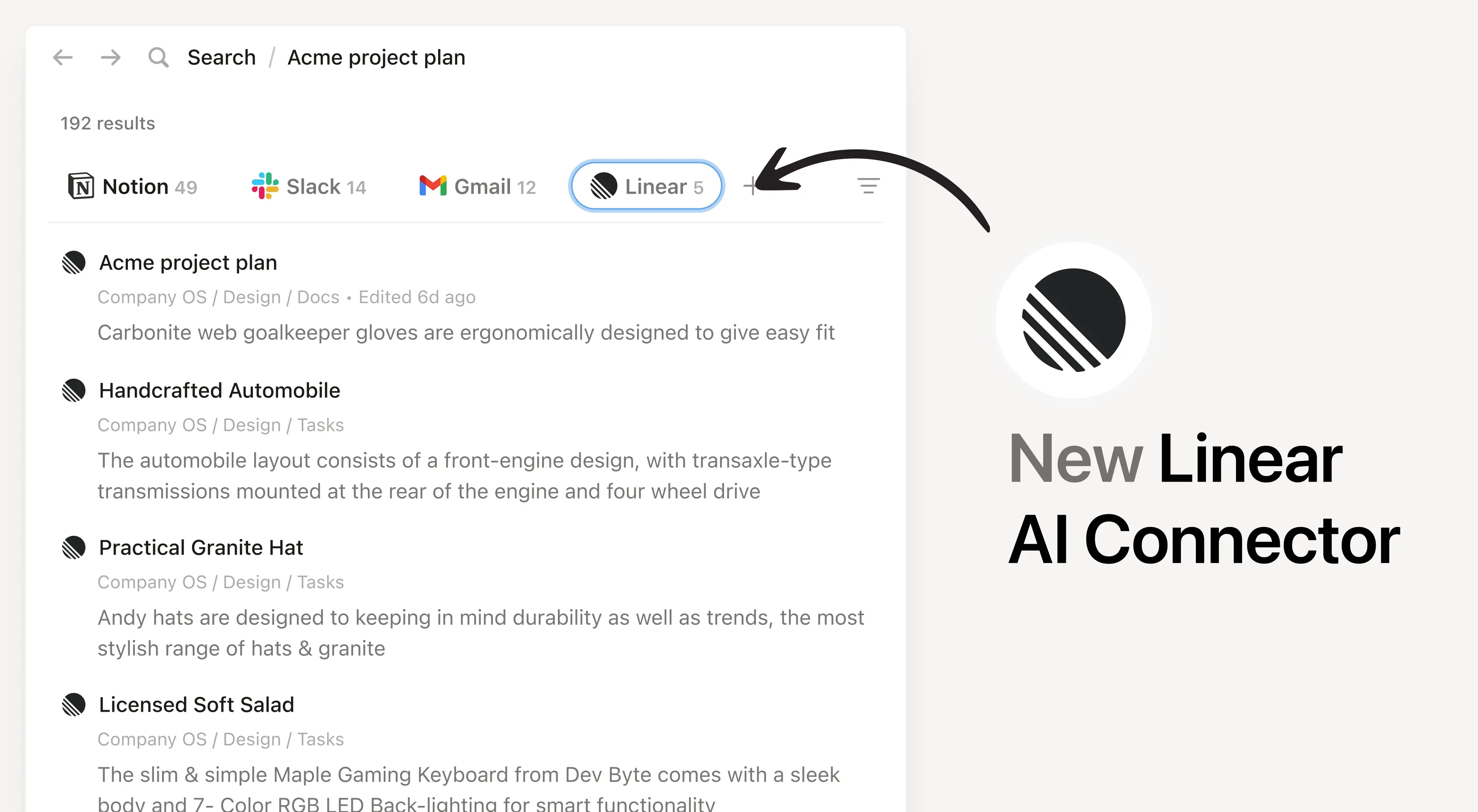
…and search across Linear

Managing projects in Linear? Notion AI can now search those projects and issues—including titles, assignees, creators, and comments. Ask questions like, “What blockers are assigned to me this week?” and get instant answers with citations, all while respecting your Linear permissions. Available on Business and Enterprise plans.

Linear - tab

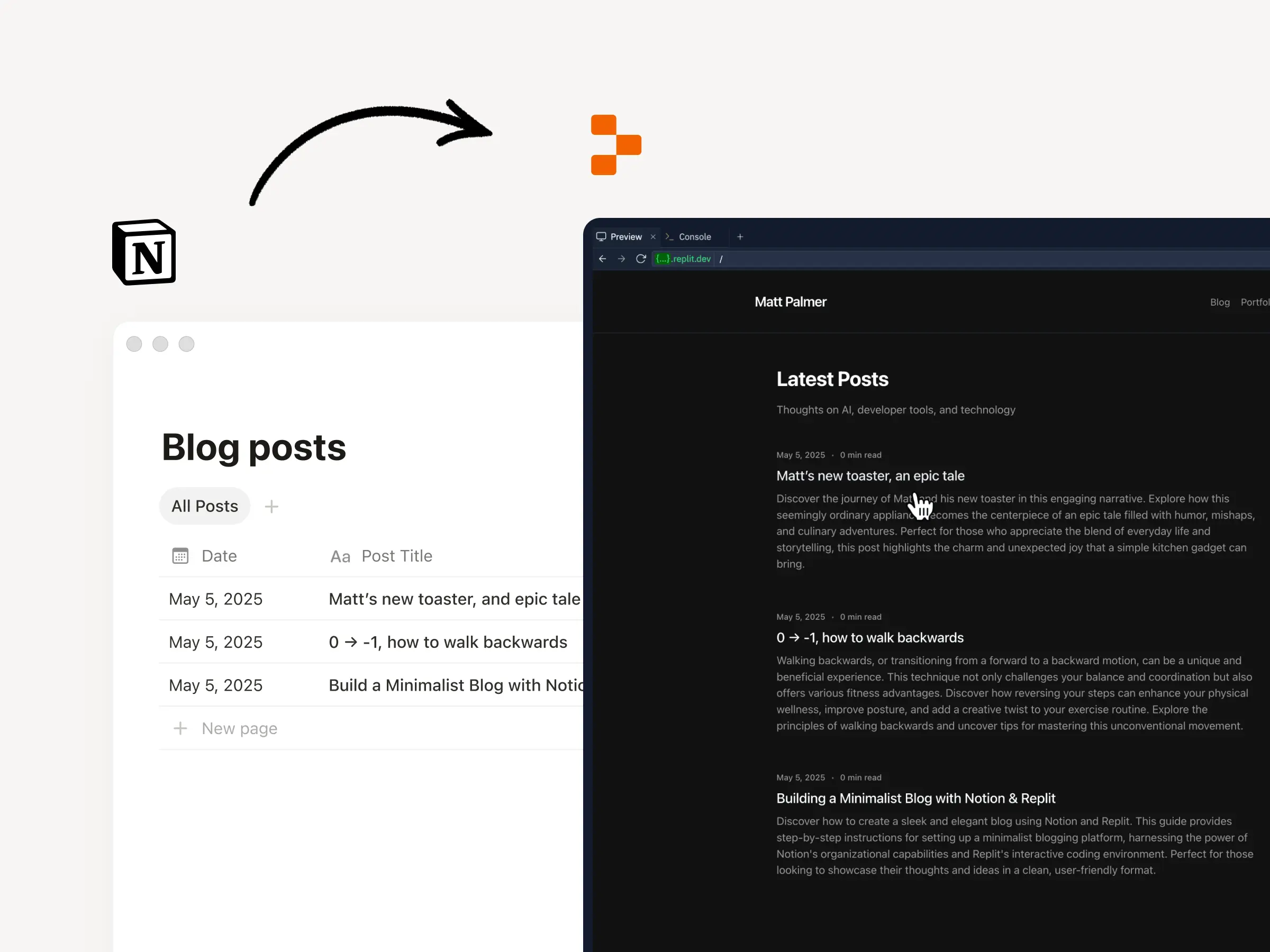
Build with Replit, manage with Notion

Vibe coding continues to amaze us. Now you can connect your apps and websites to a Notion database to manage all the content: visual assets, posts, and tasks. Check out this Replit demo.

Replit

Importing CSVs just got a lot cleaner

Now you can select which Notion Property Type you want to use for each CSV column, making imports so much tidier! Simply upload and create a new database or merge your CSV with an existing database.

An animation depicting Notion AI transcribing a meeting and then creating an AI summary of its contents.

Lots of improvements!

  • Databases are way easier to use on mobile. Tap, view, edit, or create filters with a couple flicks of your thumb.

  • Manage any Notion database in Notion Calendar if it includes dates. Just click into the view and select

    Open in Calendar. Great for tracking deadlines.

  • Search your PDFs in Notion, Google Drive, SharePoint and OneDrive with Enterprise Search!

  • Google Drive AI Connector can now search across more file types: .docx, pptx, xlsx, csv, and PDFs.

  • Organization owners can now place users under legal hold and preserve all the docs they’ve created, edited, or viewed—preventing deletion of important files.